Quick answer
To complete a Pak Game login, open the Pak Games app or website, enter your registered +92 mobile number and your password, then tap Log in. If you forgot the password, tap Forgot Password, enter the SMS verification code sent to your number and set a new one. Never share that code with anyone.
Key facts at a glance
- Login details
- +92 mobile number + password
- Where to log in
- Android APK, mobile browser, desktop browser
- Password reset
- Forgot Password → SMS verification code
- Same account on all devices
- Yes, one account works on app and web
- Common errors
- Wrong password, OTP not received, app not opening
- Support
- In-app Customer Service / live chat
On this page (9 sections)
- How do you log in to Pak Game?
- What do you need before you log in?
- How do you reset your Pak Game login password?
- Pak Game login problems and quick fixes
- Why does Pak Game ask for a verification code?
- How do you keep your Pak Game account secure?
- Pak Game login app vs website login
- What should you do if your Pak Game account is blocked?
- FAQs
The Pak Game login takes less than a minute once your account exists: you sign in with the +92 mobile number you registered with and your password. The same details work on the Android app, in a mobile browser and on a computer. This guide covers each method, how to reset a forgotten password, what every common error means, and how to keep your Pak Games account from being taken over.
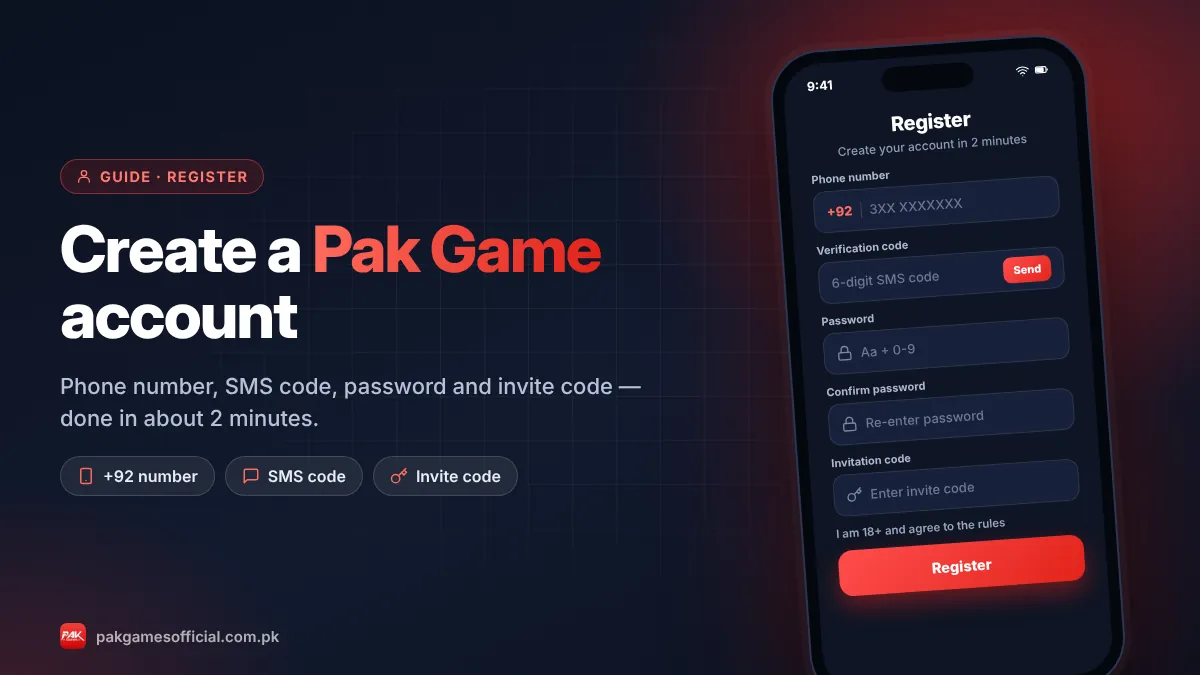
If you don’t have an account yet, start with our Pak Game register guide and come back here afterwards. And remember: PakGamesOfficial is an independent guide. We never ask for your password or SMS code, and you should never type them on any site you don’t fully trust.
Ready to start?
Create your Pak Game account in about 2 minutes
Android APK or mobile browser · JazzCash & EasyPaisa · 18+ only
875532042042 How do you log in to Pak Game?
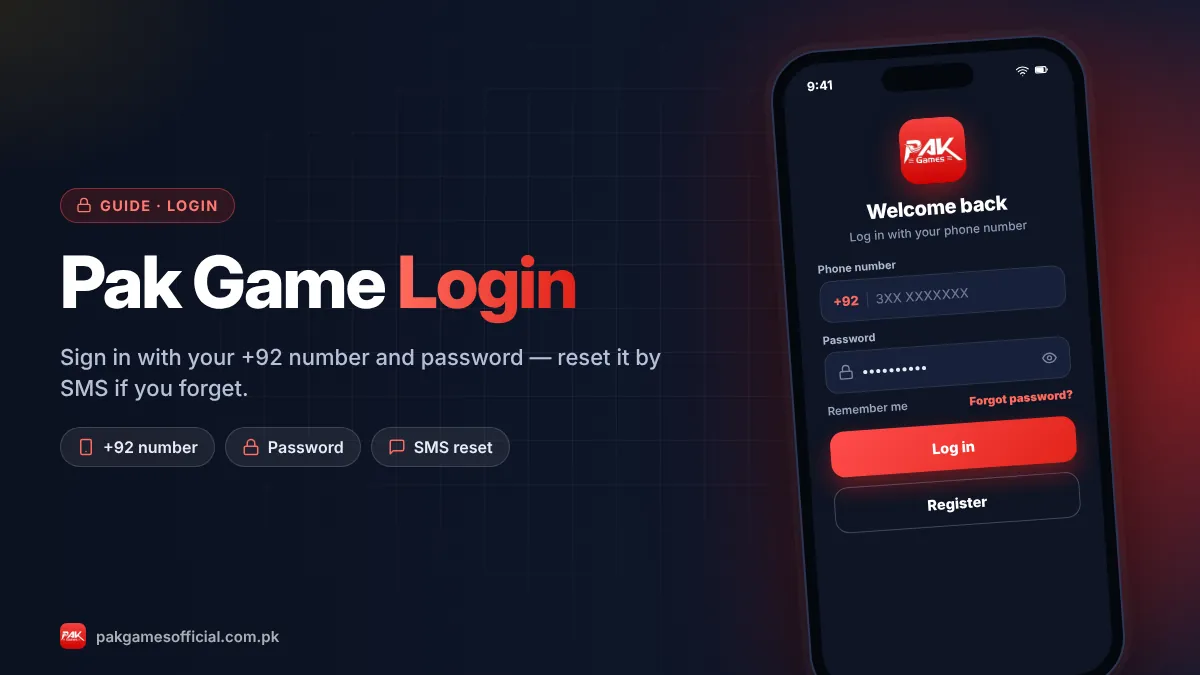
You log in to Pak Game by entering your registered mobile number and password on the login screen and tapping Log in. The steps below work on the APK and on the website.
- Open the app or your saved link Tap the Pak Games app icon, or open the website from a bookmark you saved when you registered. Avoid links from groups or ads.
- Tap Log in On the home screen tap Log in (sometimes shown as Login or Sign in). If you see the registration form instead, switch to the login tab.
- Enter your mobile number Type the number you registered with. If the +92 country code is already shown, enter the rest of the number without the leading 0, for example 3XX XXXXXXX.
- Enter your password Type your password exactly, including capital letters. Use the eye icon to check what you typed.
- Tap Log in and check your balance You land on the lobby with your wallet balance at the top. If a verification code is requested, enter the code sent by SMS to your own phone.
Some versions offer “Remember password”. Only tick it on your personal phone, never on a shared or borrowed device.
Pak Game login on the app (APK)
The Pak Game login app is the fastest option for regular Android players because it keeps you signed in between sessions. If you haven’t installed it, follow the Pak Game APK download guide. After installing, open the app, tap Log in and enter your details. If the app shows a blank screen or keeps loading, update to the latest version or clear the app cache in phone settings.
Pakgame login on a mobile browser
You can log in without installing anything by opening the website in Chrome or Safari. This is the only option on iPhone. After logging in, use “Add to Home Screen” to create a shortcut that opens like an app. Our iPhone and PC guide shows the exact taps.
Pak Games login on a laptop or PC
On a computer, open the website in Chrome, Edge or Firefox and log in with the same number and password. Your balance and history are shared across devices, so you can deposit on your phone and play on a laptop.
What do you need before you log in?
You need three things: your registered number, your password, and the phone with that SIM in case an SMS code is sent. Have them ready to avoid lockouts from repeated wrong attempts.
- Registered mobile number: the exact number used at sign-up. A different number from the same network won’t work.
- Password: usually a mix of uppercase, lowercase and a digit, as set during registration.
- Access to your SIM: for password resets and any new-device verification.
- Stable internet: weak data causes “network error” messages that look like login failures.
- The right link or app: a copy site will reject your details because it isn’t connected to your real account.
How do you reset your Pak Game login password?
To reset a forgotten Pak Game password, tap Forgot Password on the login screen, enter your registered number, type the SMS verification code you receive and choose a new password.
- On the login screen, tap Forgot Password.
- Enter your registered +92 mobile number.
- Tap Send to request a verification code by SMS.
- Enter the code within its time limit, usually a few minutes.
- Create a new password and confirm it, then log in again.
If the SMS doesn’t arrive, wait 60 seconds before requesting another; repeated requests can trigger a temporary limit. Check that your SIM has signal and isn’t blocking messages from short codes. If it still fails, contact Pak Game customer service from inside the app.
Never share your reset code. The SMS verification code is the key to your account. Real support staff will never ask for it, and anyone who has it can change your password and withdraw your balance.
Pak Game login problems and quick fixes
Most Pak Game login errors are caused by a wrong number format, a mistyped password, a weak connection, an outdated app or a fake website. Find your symptom in the table and try the fix in order.

| Problem | Likely cause | Fix |
|---|---|---|
| “Wrong password” or “Account or password incorrect” | Typo, caps lock, or old password saved in the browser | Retype slowly with the eye icon on; if it fails twice, use Forgot Password |
| “Account does not exist” | Different number, extra 0 after +92, or you’re on a copy site | Enter the number without the leading 0; open your saved official link |
| SMS / OTP code not received | Weak signal, DND or spam filter, too many requests | Wait 60 seconds, restart the phone, check blocked messages, then request once more |
| App opens to a white or black screen | Outdated APK or corrupted cache | Clear cache, or install the latest version |
| “Network error” or endless loading | Slow data, VPN, or the link is temporarily blocked | Switch between Wi-Fi and mobile data, turn off VPN, try the browser version |
| “Too many attempts, try later” | Several wrong passwords in a row | Wait 15–30 minutes before trying again, then reset the password |
| Account blocked or frozen | Security check, multiple accounts, or a payment dispute | Contact in-app support with your number and recent TIDs |
| Logged in but balance shows zero | You’re on a look-alike site or a second account | Log out, open the official link, and check which number you used |
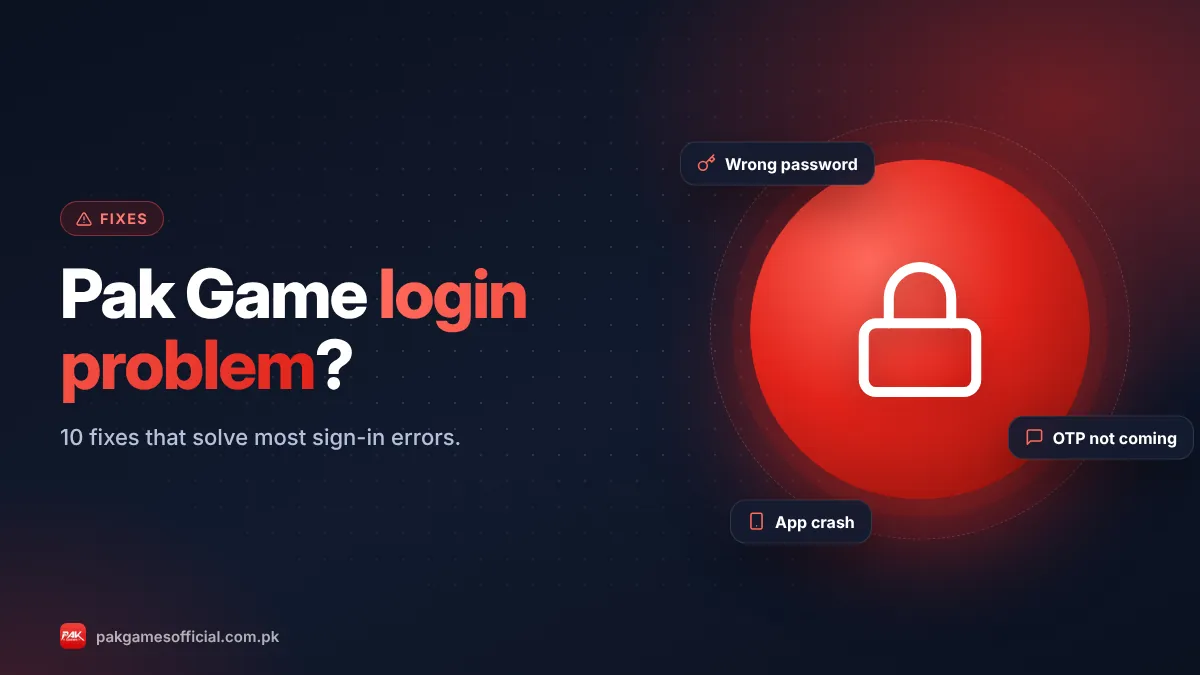
For a deeper walkthrough of each case, including what to send support when your account is frozen, read Pak Game login problem? 10 fixes that work.
Why does Pak Game ask for a verification code?
Pak Game sends an SMS verification code to confirm that the person logging in or resetting a password controls the registered phone number. It is a security step, and the code should only ever be typed into the official app or site.
Scammers know this, so a common trick is to message players pretending to be “Pak Game support” and say your account will be closed unless you send the code. Others set up fake login pages that capture your number and password. If someone contacts you first and asks for a code, it is a scam, every time.
How do you keep your Pak Game account secure?
Keep your Pak Game account secure by using a unique password, logging in only through your saved link or the official app, and never sharing codes or screenshots that show your details.
- Use a unique password that you don’t use for your email, JazzCash or EasyPaisa.
- Set a separate withdrawal or fund password if the app offers one.
- Bookmark one link and use it every time. Our official link guide shows how to spot look-alike domains.
- Log out on shared devices and don’t tick “Remember password” there.
- Don’t install mod APKs or “hack” tools; they are a common way accounts get stolen. See why mod APKs are risky.
- Keep screenshots of deposits and withdrawals so you can prove ownership if needed.
Pak Game login app vs website login
Both methods use the same account. The app keeps you signed in and loads faster on Android, while the website works on any device, including iPhone and PC, without installing an APK.
| Feature | Login on app | Login on website |
|---|---|---|
| Devices | Android only | Android, iPhone, PC |
| Stays signed in | Yes, usually | Until browser data is cleared |
| Main risk | Fake or modified APKs | Look-alike phishing sites |
| If login fails | Update app or clear cache | Clear browser cache or try another browser |
What should you do if your Pak Game account is blocked?
If your Pak Game account is blocked or frozen, contact in-app customer service with your registered number, the date of your last login and recent transaction IDs. Do not create a new account to get around the block.
Blocks usually follow a security alert, suspected multiple accounts, bonus abuse or a disputed payment. Explain calmly what happened and attach screenshots of your recent deposits. Avoid anyone outside the app who offers to “unblock” your account for a fee; those offers are scams. If you were trying to withdraw when the block happened, our withdrawal guide explains common verification checks.
Roman Urdu mein samjhein
Pak Game login ke liye app ya apna saved link kholein, Log in par tap karein, apna registered +92 mobile number (shuru wala 0 ke baghair) aur password likhein, phir Log in dabayein. Password bhool gaye hain to Forgot Password par jayein, SMS mein aane wala code daalein aur naya password banayein. Yeh code kabhi kisi ko na batayein, chahe woh khud ko support bataye. Agar app nahi khul rahi to cache clear karein ya naya version install karein.
In short: Pak Game login needs your registered +92 number and password on the app or website. Use Forgot Password for resets, fix most errors by checking the number format, updating the app or switching networks, and protect your account by never sharing SMS codes and using only your saved official link.
Frequently asked questions
How do I log in to Pak Game?
Open the Pak Game app or your saved website link, tap Log in, enter your registered +92 mobile number and password, and tap Log in again. The same details work on Android, iPhone browsers and PC. If you see an error, check the number format and try the fixes in our table above.
What is the Pak Game login password?
Your Pak Game login password is the one you created during registration. There is no default password. If you have forgotten it, tap Forgot Password, enter your number and the SMS verification code, and set a new password with uppercase letters, lowercase letters and a number.
Why can’t I log in to Pak Game?
The most common reasons are a mistyped password, entering the number with an extra 0 after +92, a weak internet connection, an outdated app version, or using a copy website that isn’t linked to your account. Fix those first, then contact in-app support. Our login problem guide covers ten fixes.
Can I use the same Pak Game account on my phone and laptop?
Yes. A Pak Games account is tied to your mobile number, not to a device, so you can log in on the Android app, a phone browser and a laptop with the same number and password. Your balance, bets and history appear on every device.
I am not receiving the Pak Game OTP. What should I do?
Wait at least 60 seconds before requesting another code, make sure your SIM has signal, check blocked or spam messages, and restart your phone. Too many requests in a short time can cause a temporary limit. If it still doesn’t arrive, contact in-app customer service.
Is there a Pak Game login app for iPhone?
No, there is no Pak Game app on the App Store. iPhone users log in through the website in Safari or Chrome and can add it to the home screen for app-like access. Avoid any site that offers an iOS APK or profile download.
Will PakGamesOfficial ever ask for my login details?
Never. PakGamesOfficial is an independent guide and does not need your number, password or verification code. Treat any message, page or person asking for those details in our name as a scam and report it.
How do I log out of Pak Game?
Open the Account or Profile section, scroll to the bottom and tap Log out or Sign out. Always log out on shared devices and remove saved passwords from the browser if someone else uses the phone or computer.