Quick answer
To register on Pak Game, open the app or website, tap Register, enter your +92 mobile number, type the SMS verification code if one is sent, create a password with uppercase, lowercase and a number, add an invite code, accept the terms and tap Register. Registration is free and you must be 18 or older.
Key facts at a glance
- Cost
- Free
- Time needed
- About 2 minutes
- Required
- +92 mobile number, password, invite code
- Verification
- SMS code on most versions
- Password rule
- Uppercase + lowercase + number (commonly required)
- Accounts allowed
- One per person / number
- Age
- 18+ only
On this page (9 sections)
- What do you need to register on Pak Game?
- How do you register on Pak Game step by step?
- What are the Pak Game password rules?
- Should you register on the Pak Game app or website?
- Pak Game registration errors and how to fix them
- What should you do right after registering?
- Pak Game register karne ka tarika (Roman Urdu)
- Can you have more than one Pak Game account?
- FAQs
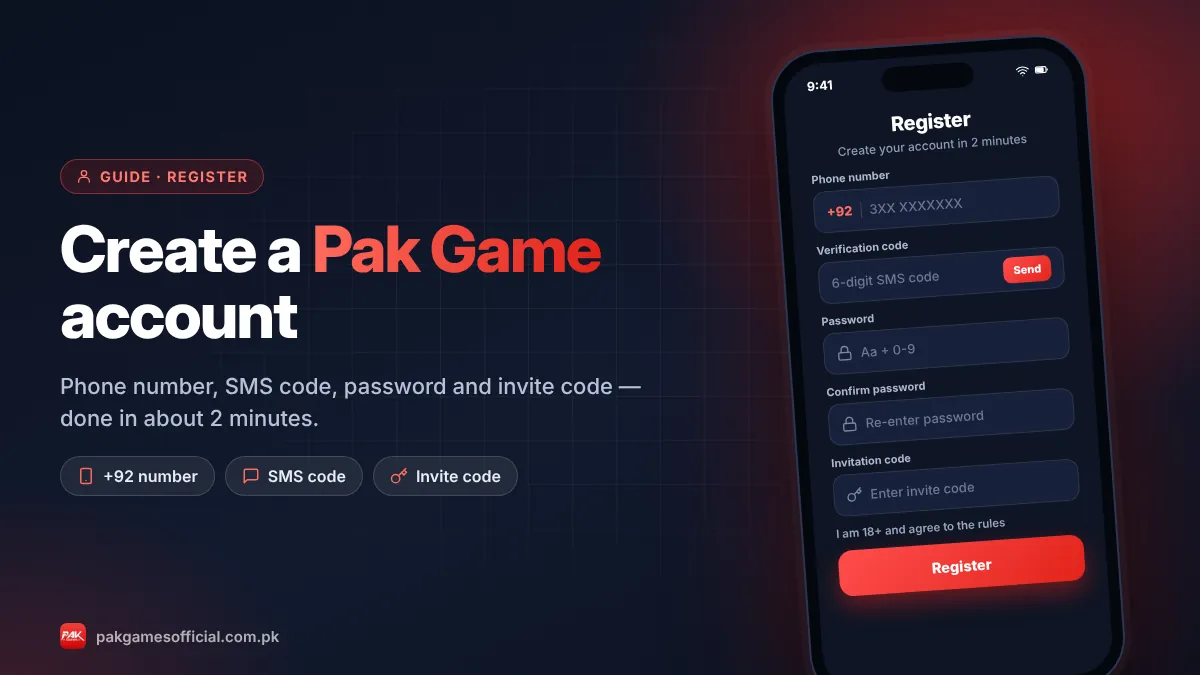
A Pak Game register takes about two minutes: you need a Pakistani mobile number, a password and an invite code, and the account is free to create. This guide walks through every field on the sign-up form, explains the password rules that cause most errors, shows what to do right after registering, and includes the full Pak Game register karne ka tarika in Roman Urdu for readers who prefer it.
Before you start, one honest note. Pak Game is a real-money gaming platform for adults aged 18 and over, and you can lose money you deposit. Registration itself costs nothing, so take a minute to read how deposits, withdrawals and bonuses work before you add funds.
Ready to start?
Create your Pak Game account in about 2 minutes
Android APK or mobile browser · JazzCash & EasyPaisa · 18+ only
875532042042 What do you need to register on Pak Game?
You need a working +92 mobile number that receives SMS, a strong password, an invite code and about two minutes. A JazzCash or EasyPaisa account in your own name is not needed to sign up, but you will need one to deposit and withdraw later.
| Requirement | Details | Why it matters |
|---|---|---|
| Mobile number | Pakistani SIM, entered after +92 without the leading 0 | It becomes your login ID and receives reset codes |
| SMS verification code | Sent on most versions during sign-up | Confirms the number belongs to you |
| Password | Usually 6–16 characters with uppercase, lowercase and a number | Weak passwords are rejected and are easy to guess |
| Invite code | Entered in the Invitation Code field | Generally can’t be added after registration |
| Age | 18 or older | Real-money games are adults only |
| Wallet (later) | JazzCash or EasyPaisa in your own name | Withdrawals can fail if the name doesn’t match |
How do you register on Pak Game step by step?
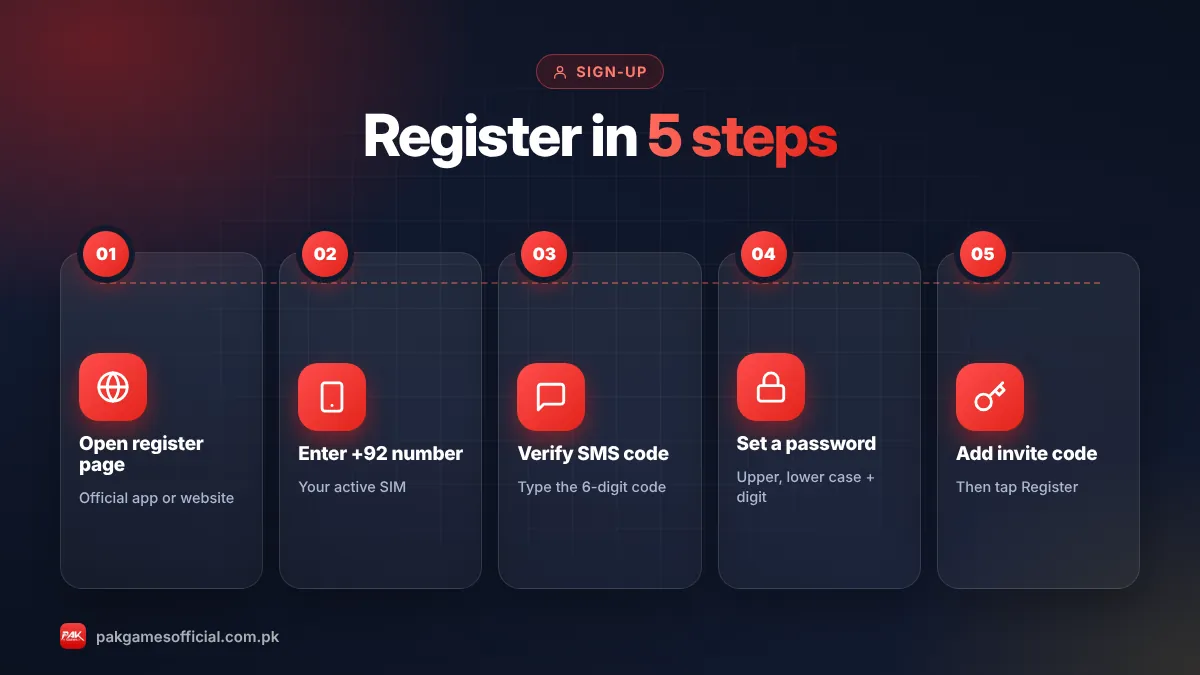
Open the app or website, tap Register, fill in your number, verification code, password and invite code, then confirm. The steps are the same on the APK and the browser version.
- Open Pak Game Launch the app installed from our Pak Game download guide, or open the website in Chrome or Safari from a trusted link.
- Tap Register On the welcome screen tap Register or Sign up. Make sure you are on the registration tab, not the login tab.
- Enter your mobile number Type your Pakistani number after the +92 code without the first 0, for example 3XX XXXXXXX. Tap Send if a verification code button appears.
- Enter the SMS code Type the code you receive by SMS within its time limit. Never share this code with anyone.
- Create a strong password Use at least one capital letter, one small letter and one number, then type it again in the confirm field.
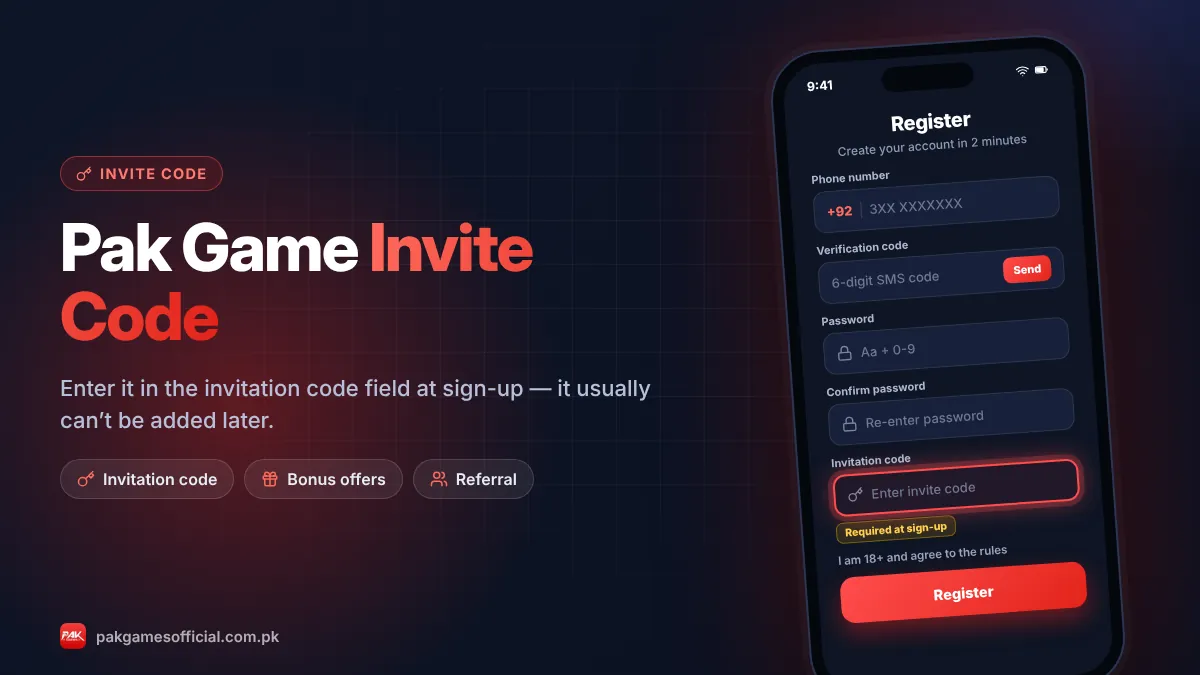
- Add the invite code Paste the code into the Invitation Code field. Double-check it, because it usually can’t be changed later.
- Accept the terms and tap Register Tick the agreement box confirming you are 18+, tap Register, and you will be logged in to the lobby.
Use the invite code shown below when you reach the Invitation Code field. Copy it with one tap so there are no typing mistakes:
875532042042Enter it in the “Invitation code” field while registering.Want to know what the code does and whether it unlocks a bonus? Our Pak Game invite code guide explains it in detail.
What are the Pak Game password rules?
Most versions of Pak Game require a password that mixes uppercase letters, lowercase letters and at least one number, typically between 6 and 16 characters. If the Register button stays grey or shows an error, the password rule is the usual reason.
- Good example pattern: a word with a capital letter plus numbers, like Lahore + 2026 + a symbol you’ll remember. Don’t use this exact example.
- Avoid: your phone number, 123456, your name or the same password as your JazzCash or EasyPaisa account.
- Write it down offline in a safe place. Reset is possible by SMS, but only while you still control the same SIM.
Should you register on the Pak Game app or website?
You can register on either; the account works everywhere. Register on the app if you use Android regularly, and on the website if you use an iPhone or don’t want to install an APK.
One practical tip: wherever you register, save that exact link or keep that app. Look-alike sites copy the registration page, and an account created on a fake copy is not a real Pak Games account. Our official link guide shows how to tell them apart.
Pak Game registration errors and how to fix them
Most sign-up errors come from the number format, the password rule, an expired SMS code or a wrong invite code. Use this table to find and fix yours.
| Error message or symptom | Likely cause | Fix |
|---|---|---|
| “Phone number format error” | Extra 0 after +92, spaces or dashes | Enter 10 digits starting with 3, no spaces |
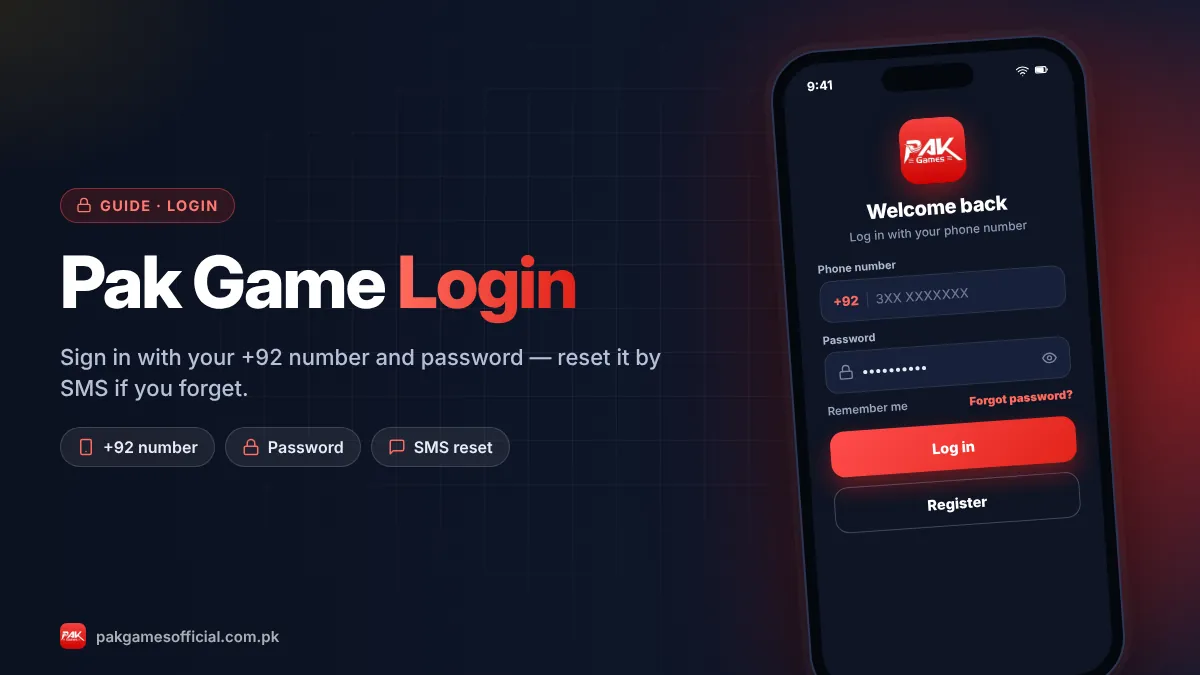
| “Account already exists” | The number was registered before, possibly by you | Go to Pak Game login and use Forgot Password |
| SMS code not received | Weak signal, blocked short codes, too many requests | Wait 60 seconds, restart the phone, request once more |
| “Verification code error” | Code mistyped or expired | Request a fresh code and enter it immediately |
| Password not accepted | Missing uppercase, lowercase or number, or too short | Use 8+ characters mixing all three types |
| “Invitation code error” / invalid code | Typo, extra space or an old code | Copy the code from the invite box above with one tap |
| Register button does nothing | Terms box not ticked or slow connection | Tick the agreement, switch data/Wi-Fi, try again |
| Registered, but can’t find the account later | Account was made on a copy site | Use only the official link and register again there |
What should you do right after registering?
After registering, secure your account, set up a wallet in your own name, check which bonus events apply, and decide your spending limit before you deposit anything.
- Set a withdrawal or fund password if the app offers one, different from your login password.
- Bind your wallet: add a JazzCash or EasyPaisa account in your own name. Our guide on adding a JazzCash or EasyPaisa wallet shows how.
- Check rewards: look in the Activity or Promotions section for current sign-up and check-in events, and read their wagering rules on the Pak Game bonus page.
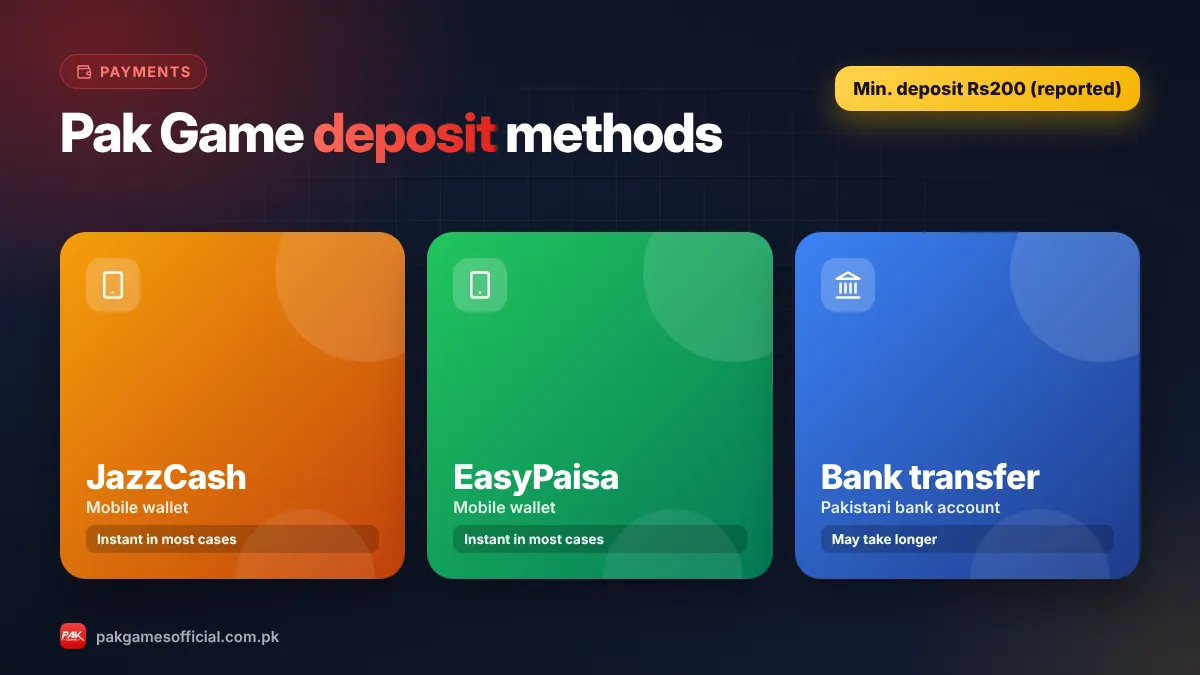
- Make a small first deposit if you decide to play. The reported minimum is Rs200; see the Pak Game deposit guide.
- Set a personal limit for money and time before playing. Our responsible gaming page has simple ways to do this.
Pak Game register karne ka tarika (Roman Urdu)
Yeh section un logon ke liye hai jo Pak Game register karne ka tarika apni zubaan mein samajhna chahte hain. Steps wahi hain jo upar English mein diye gaye hain.
Roman Urdu mein samjhein
1. Pak Game app kholein ya browser mein trusted link open karein.
2. Register ya Sign up par tap karein.
3. +92 ke baad apna mobile number likhein, shuru wala 0 na lagayein (jaise 3XX XXXXXXX).
4. SMS mein aane wala verification code daalein. Yeh code kisi ko na batayein.
5. Password banayein jismein ek bara harf (capital), ek chhota harf aur ek number ho.
6. Invitation Code wale khane mein invite code paste karein. Baad mein yeh code add nahi hota, is liye abhi check kar lein.
7. Terms par tick karein (aap ki umar 18 saal ya zyada honi chahiye) aur Register dabayein.
Register ke baad apne naam wala JazzCash ya EasyPaisa account bind karein, aur paisay lagane se pehle apni limit tay kar lein. Yaad rakhein, is game mein paisay haar bhi sakte hain.
Can you have more than one Pak Game account?
No, you should keep one Pak Game account per person. Platforms of this type link accounts by phone number, device and wallet, and multiple accounts are usually treated as bonus abuse.
The consequences can include removed bonuses, frozen balances or blocked withdrawals, which are much harder to fix than a forgotten password. If you lost access to an old account, recover it with Forgot Password or ask customer service instead of opening a new one.
Stay safe: nobody legitimate will ask you to pay a “registration fee” or “activation charge” to open a Pak Game account. Sign-up is free. If someone asks for money before you can register, walk away.
In short: Pak Game registration is free and needs a +92 number, the SMS code, a password with uppercase, lowercase and a number, and an invite code entered at sign-up. Register only through a trusted link, keep one account, bind a wallet in your own name and set limits before you deposit.
Frequently asked questions
How do I register on Pak Game?
Open the Pak Game app or website, tap Register, enter your +92 mobile number, type the SMS verification code, create a password with uppercase, lowercase and a number, paste an invite code and tap Register. It takes about two minutes and is free.
Is Pak Game registration free?
Yes. Creating a Pak Games account costs nothing. You only spend money if you choose to deposit. Anyone asking for a registration or activation fee is running a scam.
Can I register on Pak Game without an invite code?
The registration form includes an Invitation Code field, and on most versions you can’t complete sign-up without a valid code. The code also usually can’t be added later, so enter it during registration. You can copy the current code from the invite box on this page.
Why is my Pak Game password not accepted?
The password probably doesn’t meet the rule. Most versions need a mix of uppercase letters, lowercase letters and at least one number, usually 6–16 characters. Try an 8 to 12 character password that includes all three types.
What if I don’t receive the SMS code during registration?
Wait at least 60 seconds, check that your SIM has signal and isn’t blocking short-code messages, restart your phone and request the code once more. Too many requests can trigger a temporary limit. If it still fails, try again later or contact support.
Can I register with a number from any network?
Yes, any Pakistani mobile network that can receive SMS should work, including Jazz, Zong, Telenor and Ufone. Use a number you will keep, because it becomes your login ID and is needed for password resets.
How old do I need to be to register on Pak Game?
You must be at least 18 years old. Pak Game is a real-money gaming platform, and the registration terms require you to confirm you are an adult.
What is Pak Game register karne ka tarika?
App ya website kholein, Register dabayein, +92 ke baad apna number likhein, SMS code daalein, capital aur small letter plus number wala password banayein, invite code paste karein aur Register par tap karein. Poora tarika upar Roman Urdu section mein diya gaya hai.