Quick answer
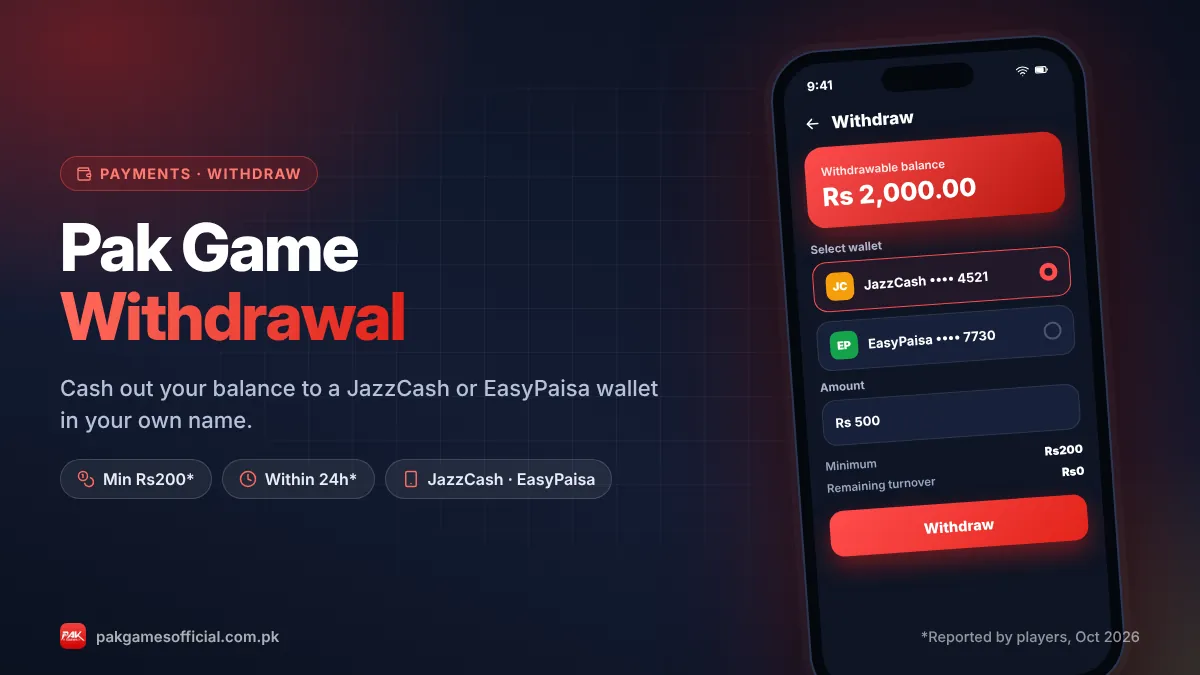
To add a JazzCash or EasyPaisa wallet in Pak Game, log in, open Wallet or Account, tap Withdraw or Add bank/e-wallet, choose JazzCash or EasyPaisa, enter the account holder’s name exactly as registered on the wallet and the 03XX mobile number, then save. Double-check details because changing them later usually needs support.

Key facts at a glance
- Supported wallets
- JazzCash and EasyPaisa (reported)
- Where to add
- Wallet / Account → Withdraw → Add e-wallet
- Name rule
- Must match the wallet’s registered name
- Number format
- 03XX XXXXXXX mobile wallet number
- Changing a wallet
- Usually needs in-app support
- Minimum withdrawal
- Rs200 (reported, as of Oct 2026)
On this page (8 sections)
Before you can cash out, you need to link a mobile wallet to your account. This guide covers Pak Game JazzCash and EasyPaisa binding from start to finish: where the option is, what details to enter, the name-matching rule that causes most failed withdrawals, and what to do if you need to change the wallet later. It takes about two minutes, but getting it right the first time saves days of waiting.
Already linked a wallet and just want to withdraw? Jump to our full Pak Game withdrawal guide.
Why do you need to bind a wallet?
Pak Games sends withdrawals only to a wallet that is saved (bound) on your account. Binding stops someone else from cashing out to their own number if they ever get into your account.
In practice, binding does three things:
- It tells the platform where to send your money (JazzCash or EasyPaisa number).
- It locks the payout account, so changes usually need verification through support.
- It lets the payment team check that the wallet name matches the account details.
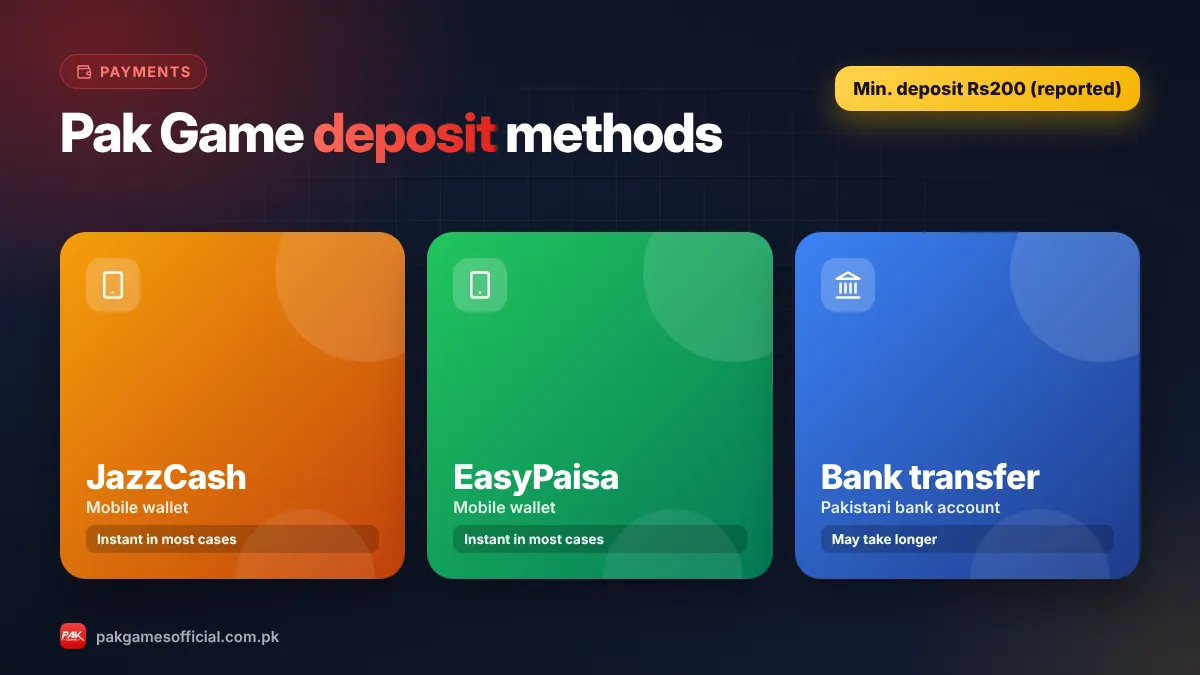
You can deposit without binding a wallet in many cases (see our deposit guide), but you cannot withdraw until one is added.
What you need before you start
Have these ready so the process goes smoothly:
- An active JazzCash or EasyPaisa mobile account in your own name. You can check your wallet status in the official JazzCash or Easypaisa app.
- The exact name shown on that wallet (open the wallet app → profile to see it).
- The wallet mobile number in 03XX XXXXXXX format.
- Access to your Pak Game account with your +92 number and password. If you can’t log in, see our login guide first.
- In some versions, a withdrawal (fund) password or an SMS verification code.
Ready to start?
Create your Pak Game account in about 2 minutes
Android APK or mobile browser · JazzCash & EasyPaisa · 18+ only
875532042042 How to add JazzCash or EasyPaisa in Pak Game (step by step)
Menu names can differ slightly between app versions, but the path is almost always through the Wallet or Withdraw section.
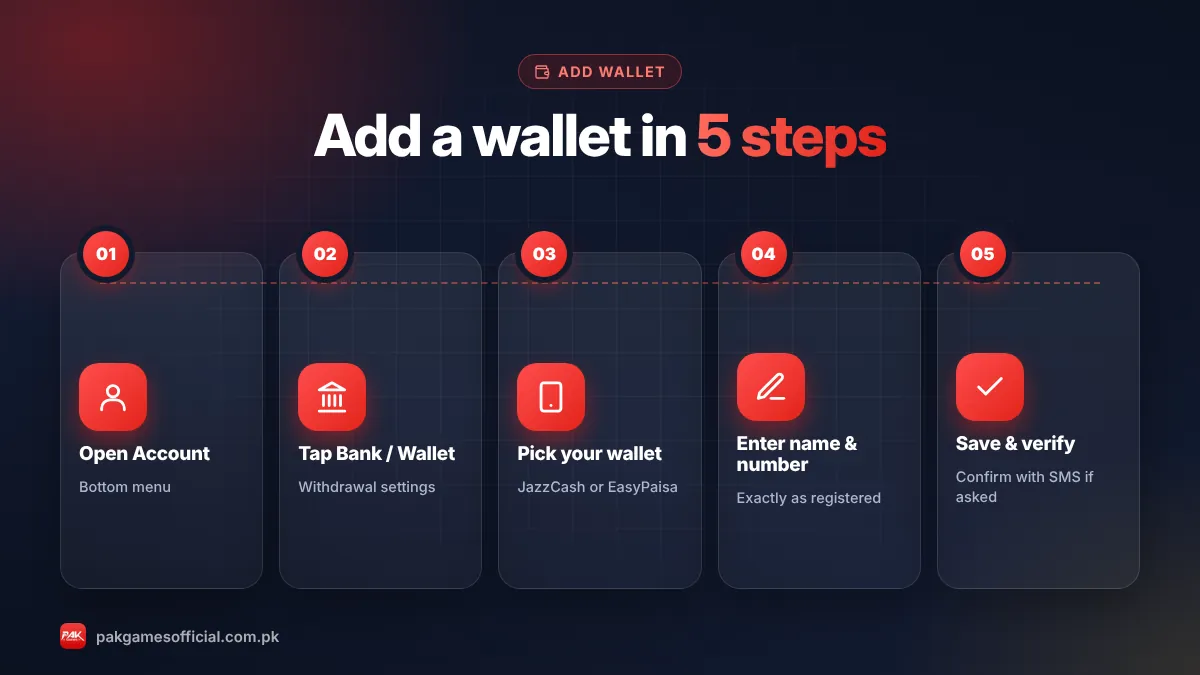
- Log in to Pak Games Open the app or official website and sign in with your +92 number and password.
- Open Wallet or Account Tap Wallet (or Account) at the bottom of the screen.
- Tap Withdraw The first time, the app asks you to add a withdrawal account. Some versions show Add bank card or Add e-wallet instead.
- Choose your wallet type Select JazzCash or EasyPaisa from the list.
- Enter the account holder name Type the name exactly as it appears in your wallet app — same spelling, same order, no extra words.
- Enter the wallet number Type your 03XX mobile wallet number carefully. Check every digit twice.
- Confirm and save Enter any verification code or fund password if asked, then tap Save or Confirm. The wallet now appears on your Withdraw page.
The name-matching rule (most common problem)
The name you enter must match the name registered on the JazzCash or EasyPaisa account. A mismatch is one of the top reasons withdrawals are rejected or stay pending.
| Wallet shows | You typed | Result |
|---|---|---|
| Muhammad Ali Khan | Muhammad Ali Khan | Correct |
| Muhammad Ali Khan | M. Ali Khan | Risky – may be rejected |
| Muhammad Ali Khan | Ali Khan | Likely rejected |
| Ayesha Bibi | Ayesha (brother’s wallet) | Rejected – wallet belongs to someone else |
Tip: Open your wallet app, copy the name from your profile, and paste it into Pak Game. This avoids spelling differences like “Muhammad” vs “Mohammad”.
Using a family member’s wallet often causes problems because the name will not match your account history. If you must use a different wallet, ask in-app support first.
JazzCash or EasyPaisa: which should you use?
Both work the same way for Pak Game withdrawals. Choose the one you already use daily and have fully verified with your CNIC.
| Point | JazzCash | EasyPaisa |
|---|---|---|
| Who can open it | Any SIM (Jazz app works on all networks) | Any SIM (Easypaisa app works on all networks) |
| Wallet number | Your registered 03XX number | Your registered 03XX number |
| Wallet limits | Depend on your account level (verify in app) | Depend on your account level (verify in app) |
| Best choice if… | You already receive money on JazzCash | You already receive money on EasyPaisa |
Remember that your wallet itself has daily and monthly receiving limits set by the wallet provider. If your wallet is at its limit, money may bounce back or be delayed.
How to change or remove a bound wallet
For security, most versions of Pak Games do not let you freely edit a bound wallet. Changing it usually goes through customer service.
- Open Account → Customer Service (in-app live chat).
- Explain that you want to change your withdrawal wallet.
- Be ready to share your account ID (UID) and the new wallet’s name and number. You may be asked for a recent deposit receipt to prove ownership.
- Wait for confirmation before making a withdrawal.
Never share your password or OTP during this process. Genuine support doesn’t need them. Our customer service guide explains how to reach real support and avoid fake WhatsApp agents.
Common wallet errors and fixes
- “Account already bound”: The number is linked to another Pak Game account. Contact support; one wallet usually can’t be shared across accounts.
- “Invalid account” or “Name mismatch”: Recheck spelling and the number. Copy the name directly from your wallet app.
- Verification code not received: Check signal, wait a minute, and request again. Make sure the number on your Pak Game account is active.
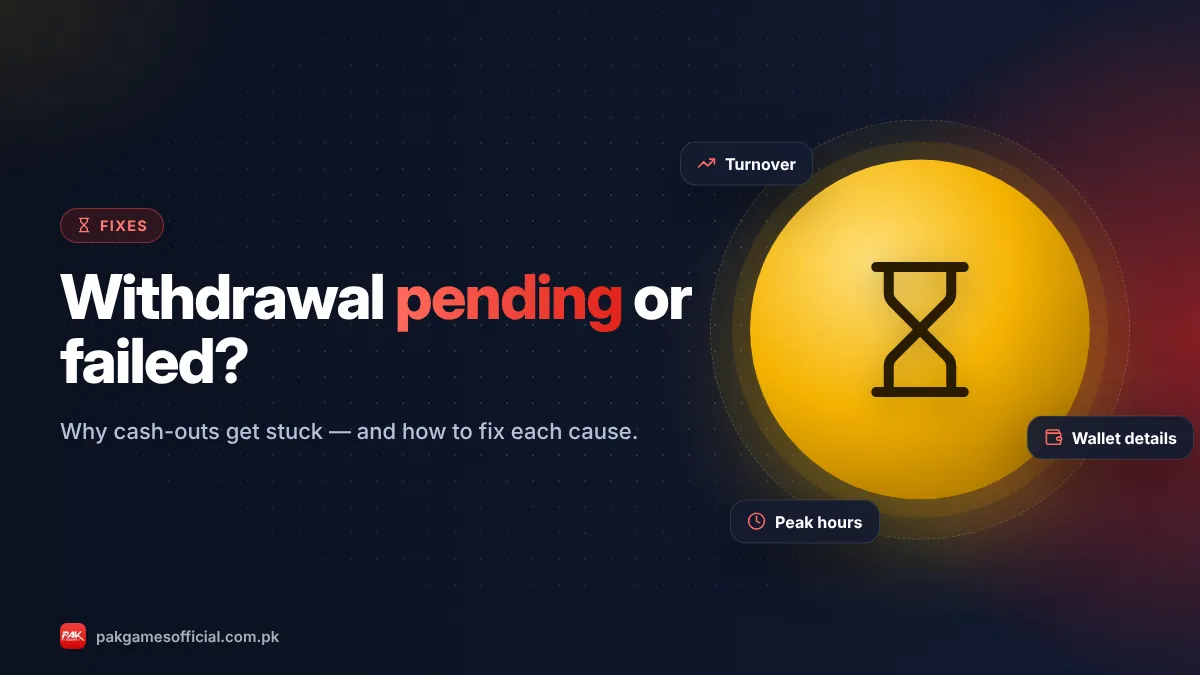
- Withdrawal pending for long: Wallet details, turnover requirements or peak-time queues are the usual causes. See withdrawal pending fixes.
Remember: Real-money games carry the risk of losing money. Only deposit what you can afford to lose, and never borrow to play. You must be 18 or older.
Roman Urdu mein samjhein
Pak Game mein JazzCash ya EasyPaisa add karne ke liye Wallet → Withdraw mein jayein, wallet type chunein, apna naam bilkul waisa likhein jaisa wallet app mein hai, aur 03XX number daal kar save karein. Naam ya number galat ho to withdrawal ruk sakta hai, aur baad mein wallet badalne ke liye support se baat karni padti hai. Apna OTP ya password kisi ko na batayein.
In short: Add your own JazzCash or EasyPaisa wallet from the Withdraw page, use the exact registered name and correct 03XX number, and save. Get it right once and withdrawals become much smoother. More payment help is on our Pak Game homepage.
Frequently asked questions
Can I use someone else’s JazzCash account in Pak Game?
It’s not recommended. The wallet name should match your own details, and payouts to another person’s wallet are often rejected or delayed. Use a wallet registered in your own name with your CNIC.
Can I add both JazzCash and EasyPaisa?
Some versions allow more than one withdrawal account, others allow only one. Check the Withdraw page; if there is no option to add a second wallet, ask in-app support.
How do I change my bound wallet number?
Contact in-app customer service with your account ID and the new wallet details. Most versions don’t allow self-editing for security reasons. Wait for confirmation before withdrawing.
Is there a fee for withdrawing to JazzCash or EasyPaisa?
Promoters say there are no withdrawal fees, but terms can change. Check the Withdraw screen for any fee or turnover note before confirming. Your wallet provider’s own limits still apply.
What is the minimum withdrawal to JazzCash?
Players report a minimum withdrawal of Rs200 as of October 2026. Confirm the current limit on the Withdraw page, as it may change. Full details are in our withdrawal guide.
Why is my wallet showing “already bound”?
That number is already linked to another Pak Game account, possibly an old one you created. Contact support to verify ownership; you generally can’t bind one wallet to two accounts.
Do I need to bind a wallet to deposit?
Not always. Many players can deposit through JazzCash or EasyPaisa payment pages without binding, but you must bind a wallet before your first withdrawal.