Quick answer
Real Pak Game customer service is inside the app: log in, open Account (Me) and tap Customer Service to start a live chat ticket. Official announcements also come through the platform’s Telegram channel. There is no verified public phone number, so treat any ‘Pak Game contact number’ on WhatsApp as a possible scam.

Key facts at a glance
- Main support channel
- In-app Customer Service / live chat
- Where to find it
- Account (Me) → Customer Service
- Announcements
- Official Telegram channel linked inside the app
- Public phone number
- None verified (as of October 2026)
- Typical reply time
- Minutes to a few hours (players report)
- Languages
- English and Urdu (reported)
- Never share
- Password, OTP, wallet PIN
On this page (9 sections)
- How do I contact Pak Game customer service?
- Is there an official Pak Game contact number?
- Which Pak Game support channels are real?
- What details should I send to support?
- What problems can Pak Game customer service solve?
- How long does Pak Game support take to reply?
- How to spot fake Pak Game customer service
- What to check before contacting support
- FAQs
If your deposit hasn’t arrived, a withdrawal is stuck, or you can’t log in, you need Pak Game customer service that actually works. The problem is that searching for a “pak game contact number” brings up dozens of numbers posted by strangers, and many of them belong to scammers. This guide shows where real support lives, how to open a ticket the right way, what details to send so your issue is solved in one go, and how to recognise fake helplines before they cost you money.
Quick note: PakGamesOfficial is an independent guide. We don’t run the Pak Game platform and we can’t access your account, but we can show you the fastest legitimate route to the people who can.
How do I contact Pak Game customer service?
The quickest way is the in-app live chat. Log in, go to the Account (Me) tab, tap Customer Service and describe your problem with screenshots. Replies usually come from a support agent inside the same chat window.
- Log in to your account Open the Pak Games app or the web version and sign in with your +92 number and password. If you can’t log in, see the Pak Game login guide first, because the login page also has a support link.
- Open the Account tab Tap the profile/“Me” icon at the bottom of the screen. This is where wallet, history and settings live.
- Tap Customer Service Look for “Customer Service”, “Online Service” or a headset icon. It opens a live chat or ticket form.
- Choose the issue type Pick deposit, withdrawal, account or other. Choosing the correct category routes you to the right team.
- Send details and screenshots Add your user ID (UID), the amount, date/time and transaction ID. Attach a screenshot of the JazzCash or EasyPaisa receipt for payment issues.
- Keep the chat open and check back Don’t open five new tickets for the same problem. Duplicate tickets can push you further back in the queue.
Players report that most simple questions get an answer within minutes, while payment checks can take a few hours, especially in the evening and on weekends.
Is there an official Pak Game contact number?
No verified public phone or WhatsApp number exists for Pak Game as of October 2026. Support is handled through the in-app chat and official Telegram links shared inside the app.
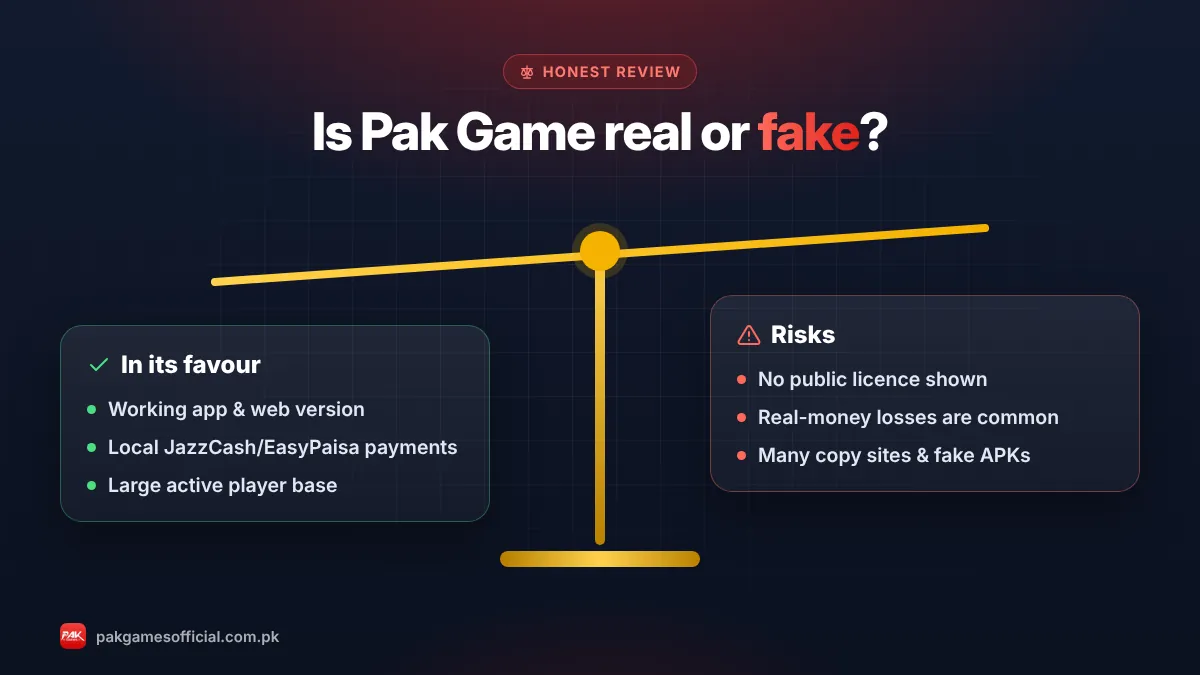
This is the single most important fact on this page. Search results, YouTube comments and Facebook groups are full of “Pak Game customer care numbers”. Some are just other players, some are promoters trying to collect referrals, and some are scammers who ask for your OTP or a “verification fee”. A real support agent will never call you first, never ask for your password and never ask you to send money to unlock a withdrawal.
Warning: If anyone asks for your password, SMS code (OTP), JazzCash/EasyPaisa PIN or a “processing fee” to release a withdrawal, stop the conversation. That is not Pak Game customer service.
Ready to start?
Create your Pak Game account in about 2 minutes
Android APK or mobile browser · JazzCash & EasyPaisa · 18+ only
875532042042 Which Pak Game support channels are real?
Only channels you reach from inside the app should be trusted. Everything else should be treated as unverified until proven otherwise.
| Channel | Real or risky? | Best for | Notes |
|---|---|---|---|
| In-app Customer Service (live chat) | Real | Deposits, withdrawals, account issues | Linked to your UID, so agents can see your records |
| Telegram channel linked from the app | Real (if opened from the app) | Announcements, events, gift codes | Usually broadcast-only; not for account help |
| Telegram accounts that DM you first | Risky | Nothing | Common impersonation tactic |
| WhatsApp “helpline” numbers | Risky | Nothing | No verified WhatsApp support exists |
| Phone calls from “Pak Game staff” | Scam | Nothing | Support does not cold-call players |
| YouTube/Facebook comment numbers | Risky | Nothing | Usually promoters or scammers |
What details should I send to support?
Send your UID, the exact amount, the date and time, the payment method and the transaction ID (TID). Complete information is the difference between a one-message fix and a two-day back-and-forth.
Support agents handle hundreds of chats. When your first message already contains everything they need, they can check the record straight away. Use this template and adjust it to your problem:
Copy-paste template: “Hello, my UID is ______. On [date] at [time] I made a [deposit/withdrawal] of Rs____ via [JazzCash/EasyPaisa/bank]. Transaction ID: ______. The amount has not been [credited/received]. Screenshot attached. Please check.”
- UID / user ID — shown on your Account page under your profile name.
- Registered mobile number — only the number, never the password.
- Transaction ID (TID) — from the JazzCash or EasyPaisa SMS/receipt.
- Screenshot — of the payment receipt or the error message.
- Order number — from the deposit or withdrawal history inside the app.
What problems can Pak Game customer service solve?
Support can check deposits that didn’t credit, delayed withdrawals, wallet binding mistakes, login and password problems, and bonus or event questions. It cannot reverse losses from games you played.
Deposit not credited
Most deposits arrive in a few minutes. If yours hasn’t after 30 minutes, send the TID and receipt. Our Pak Game deposit guide explains the correct deposit steps so the payment matches your order.
Withdrawal pending or failed
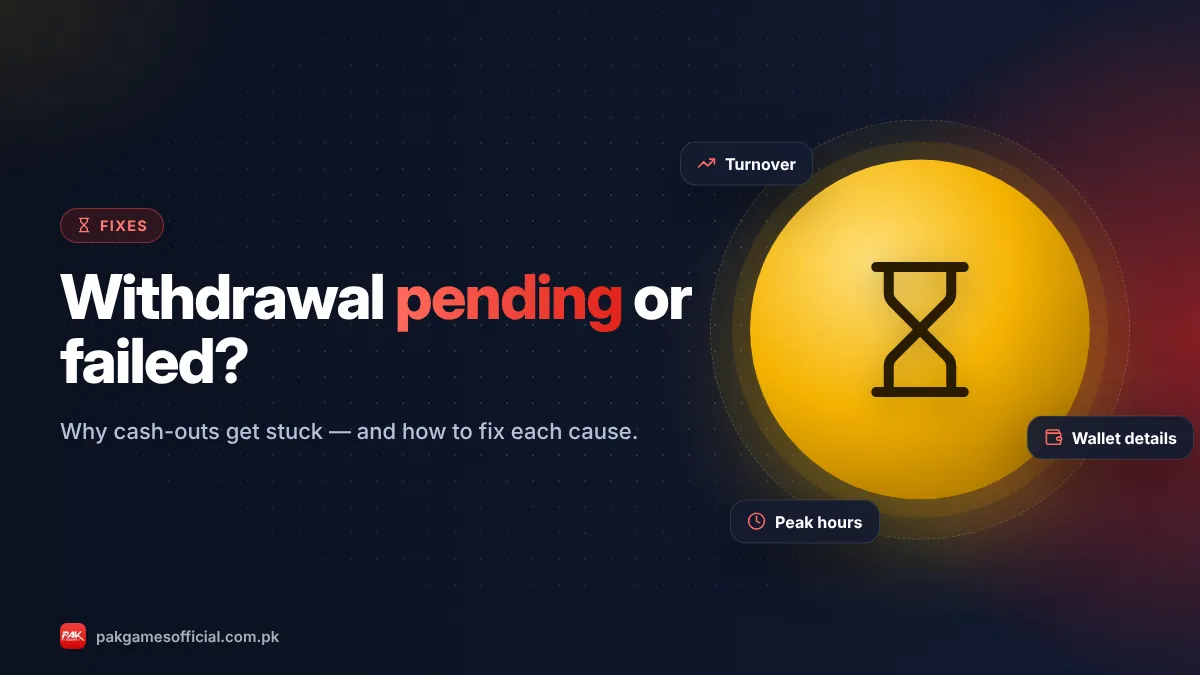
Common causes are unfinished turnover, a wallet name that doesn’t match, or peak-time queues. Read withdrawal pending or failed: causes and fixes before you contact support, because many cases fix themselves once the cause is clear. The full process is in the Pak Game withdrawal guide.
Can’t log in or forgot password
Use “Forgot password” on the login screen first; it resets through an SMS code to your registered number. If the code doesn’t arrive, the 10 login fixes list covers network, number format and app-cache issues.
Bonus, gift code or VIP questions
Ask support if a reward didn’t appear, but read the event rules first. Bonuses normally carry wagering conditions. See Pak Game bonus, gift codes and VIP for how these work.
Wrong wallet number added
If you bound the wrong JazzCash or EasyPaisa account, contact support before requesting a withdrawal. Changing a bound wallet usually needs verification for security.
How long does Pak Game support take to reply?
Players report replies within minutes for general questions and up to a few hours for payment investigations. Busy times are evenings, weekends and right after big events.
If you haven’t heard back after a reasonable time, reply inside the same ticket with a short reminder rather than opening a new one. Keep all screenshots until the issue is fully resolved and the money shows in your wallet.
Tip: Contact support in the morning or early afternoon. Queues are typically shorter than at night, when most players are online.
How to spot fake Pak Game customer service
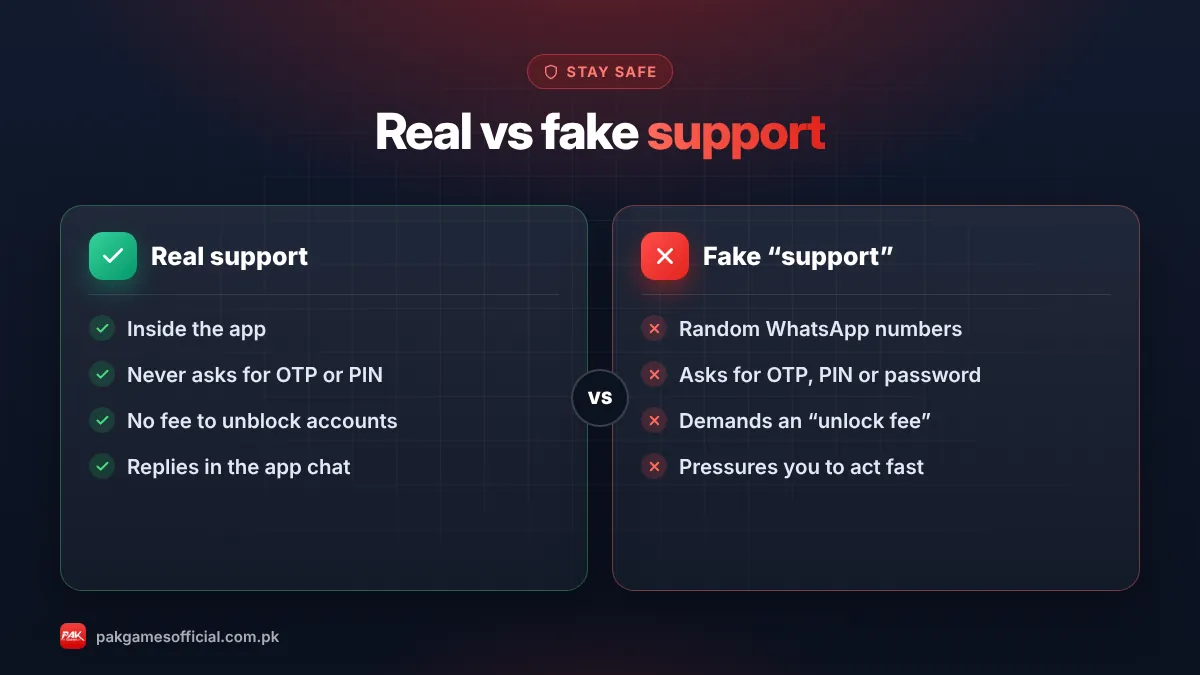
Fake support usually contacts you first, moves the chat to WhatsApp or Telegram DMs, creates urgency and asks for codes or money. Real support waits for you to open a ticket inside the app.
- They message you before you contacted anyone.
- They use a personal WhatsApp or Telegram account with the Pak Games logo as a profile picture.
- They ask for your password, OTP, or JazzCash/EasyPaisa PIN.
- They ask for a “tax”, “unlock fee” or “VIP activation” payment before releasing a withdrawal.
- They send links to a look-alike website or a “new APK” — see how to find the official Pak Game link.
- They promise guaranteed wins or “prediction signals” for a fee — read Win Go tricks and signals: fact vs myth.
If you already shared a code or password, change your Pak Game password immediately, contact your mobile wallet provider’s helpline (official numbers are on the JazzCash and Easypaisa websites) and report the account to in-app support.
What to check before contacting support
A quick self-check solves many issues: confirm your internet connection, update the app, check transaction history and read the deposit or withdrawal rules.
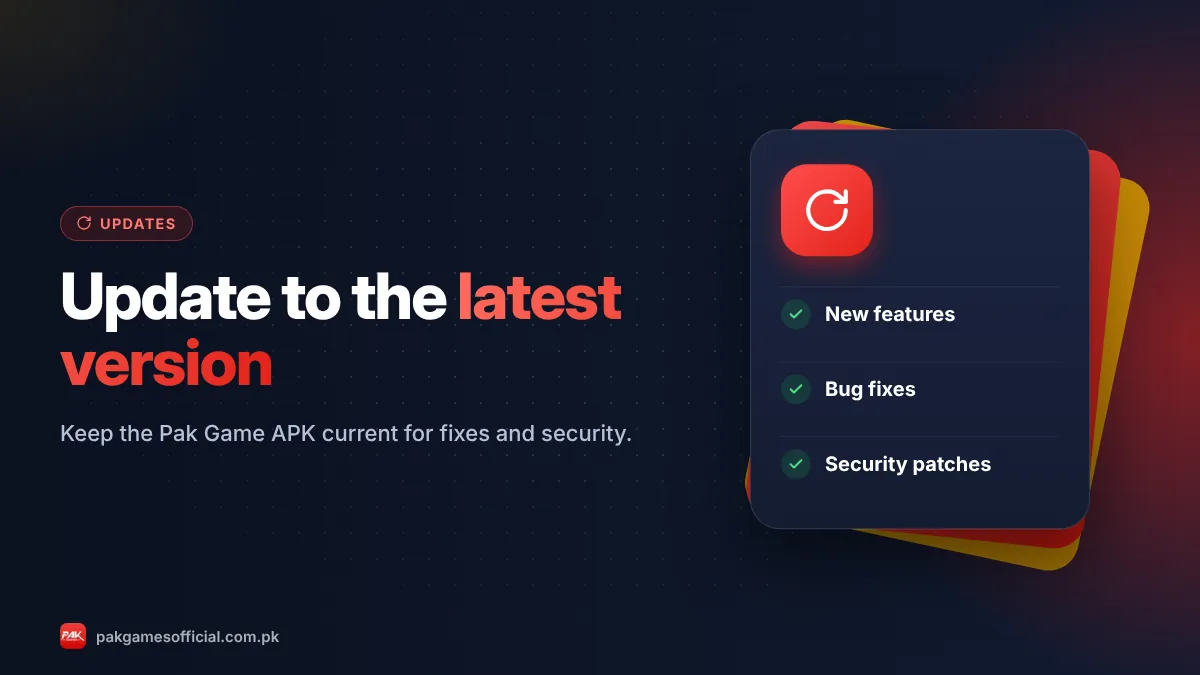
- Update to the latest APK — see how to update Pak Game.
- Check the order status in Deposit/Withdrawal history (pending, success or failed).
- Confirm the money left your JazzCash/EasyPaisa account (check the SMS).
- Look for a turnover or “remaining bet” message on the withdraw page.
- Make sure you are on the real app or website, not a copy.
Roman Urdu mein samjhein
Pak Game ka asli customer service app ke andar hai: login karein, Account (Me) mein jaa kar Customer Service par tap karein aur apna UID, amount, date aur transaction ID screenshot ke sath bhejein. Koi verified WhatsApp ya phone number nahi hai. Agar koi aap se password, OTP ya “fee” maange to woh fraud hai — kabhi share na karein.
In short: Use the in-app Customer Service chat, send complete details in your first message, and ignore any “Pak Game contact number” that reaches you through WhatsApp, calls or comments. Real support never asks for your password, OTP or a fee.
Gaming with real money carries risk. Play only if you are 18+, and set limits you can afford. Our responsible gaming page has practical tips.
Frequently asked questions
What is the Pak Game customer care number?
There is no verified public customer care number for Pak Game as of October 2026. Support is provided through the in-app Customer Service chat. Numbers shared on WhatsApp, YouTube or Facebook are unverified and are often used by scammers.
Does Pak Game have WhatsApp support?
No official WhatsApp support has been verified. If someone contacts you on WhatsApp claiming to be Pak Game staff, do not share any codes or send money. Open a ticket from inside the app instead.
Where is customer service in the Pak Games app?
Log in, tap the Account (Me) icon at the bottom, then tap Customer Service or Online Service. It opens a live chat where you can describe your issue and attach screenshots.
Can I contact Pak Game support without logging in?
Some versions show a support link on the login screen. If you can’t find one, try the password reset first, then follow our login problem fixes to regain access and open a ticket from your account.
How long does Pak Game support take?
Players report replies within minutes for simple questions and a few hours for payment checks. Evenings and weekends are slower. Reply inside the same ticket instead of opening new ones.
Can support recover money I lost in a game?
No. Support can investigate payment errors, missing deposits or delayed withdrawals, but game results are final. Losses from Win Go, Aviator or other games cannot be refunded.
Is the Pak Game Telegram channel official?
Use only the Telegram link shown inside the app. Official channels are mostly for announcements and gift codes. Accounts that message you privately offering help or signals are not official.
What should I do if I shared my OTP with a fake agent?
Change your Pak Game password immediately, contact your JazzCash or Easypaisa helpline through their official website, and report the incident to in-app support with screenshots of the conversation.