Quick answer
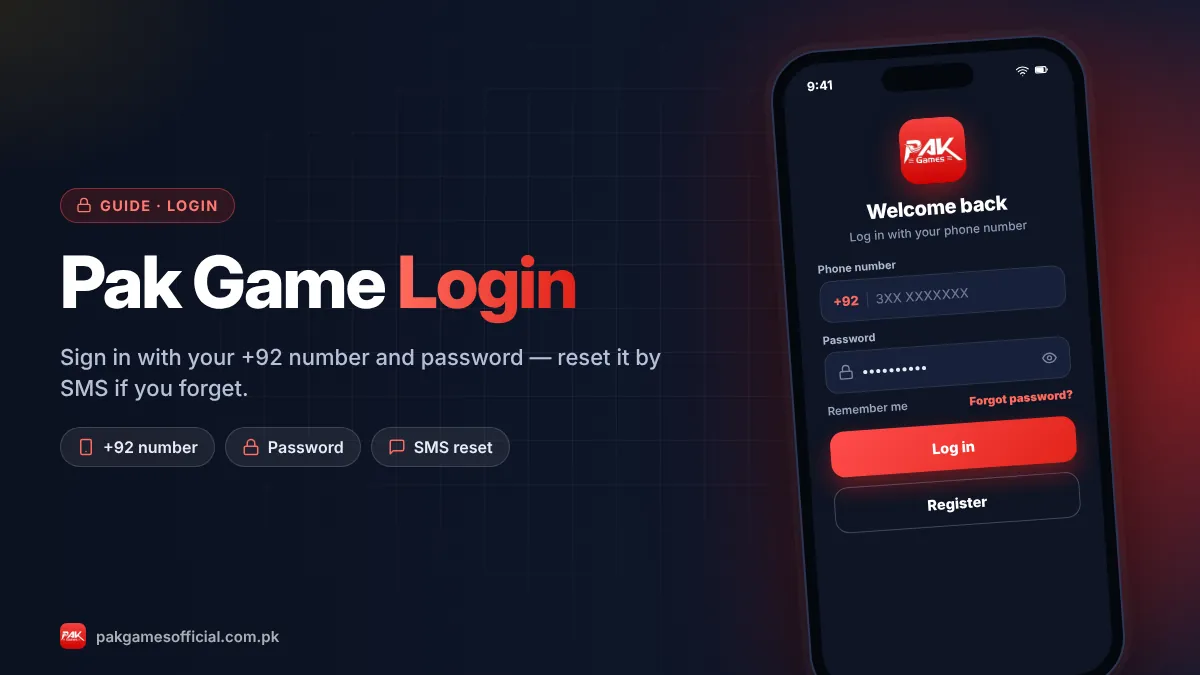
Most Pak Game login problems come from a wrong number format, an old password, a slow network, an outdated APK or a fake copy site. Type your number without the leading zero after +92, reset the password by SMS, switch between Wi-Fi and mobile data, update the app from the official link, and contact in-app support if locked.
Key facts at a glance
- Login details
- +92 mobile number + password
- Password reset
- Forgot password → SMS verification code
- Most common cause
- Wrong number format or old password
- App issues
- Clear cache or reinstall the latest APK
- Account locked
- Contact in-app Customer Service
- Never share
- OTP or password with anyone
On this page (7 sections)
A Pak Game login problem usually looks worse than it is. In most cases the account is fine and the issue is something small: the phone number typed in the wrong format, a password changed months ago, a weak network, an old APK, or a look-alike website that was never connected to your account in the first place. This guide walks you through 10 fixes in the order that solves problems fastest, so you can get back into your Pak Game account without panic.
If you are signing in for the first time, read our full Pak Game login guide first. If you have tried everything below, jump to the last section on when to contact support.
Why does Pak Game login fail?
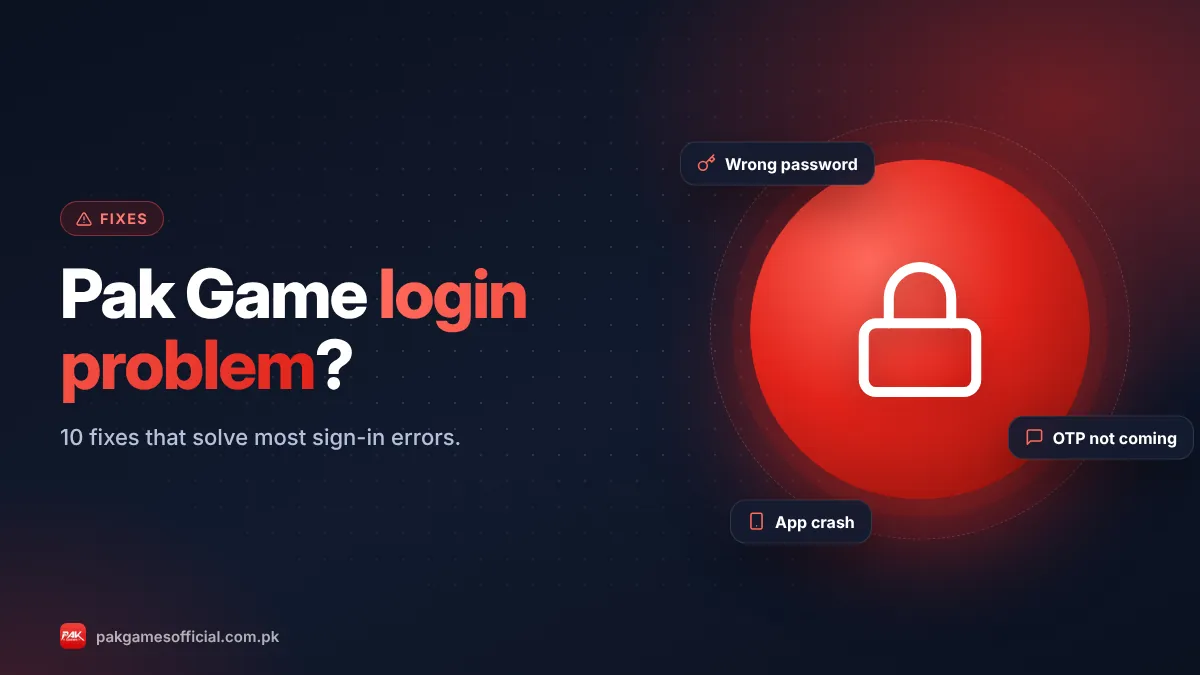
Pak Game login fails for five main reasons: wrong credentials, network trouble, an outdated or corrupted app, using a fake copy site, or a temporary lock on the account. Knowing which group your error belongs to saves time.
| What you see | Likely cause | Fix to try first |
|---|---|---|
| "Wrong password" or "account or password error" | Old password, typo, Caps Lock | Fix 1 and Fix 2 |
| "Account does not exist" | Number format or wrong site | Fix 1 and Fix 6 |
| OTP / verification code not received | SMS delay, DND, wrong number | Fix 3 |
| Endless loading or "network error" | Weak signal, DNS, VPN | Fix 4 and Fix 5 |
| App crashes or won’t open | Old APK, full storage, cache | Fix 7 and Fix 8 |
| "Account frozen" or "restricted" | Security lock or rule violation | Fix 10 |
10 fixes for Pak Game login problems
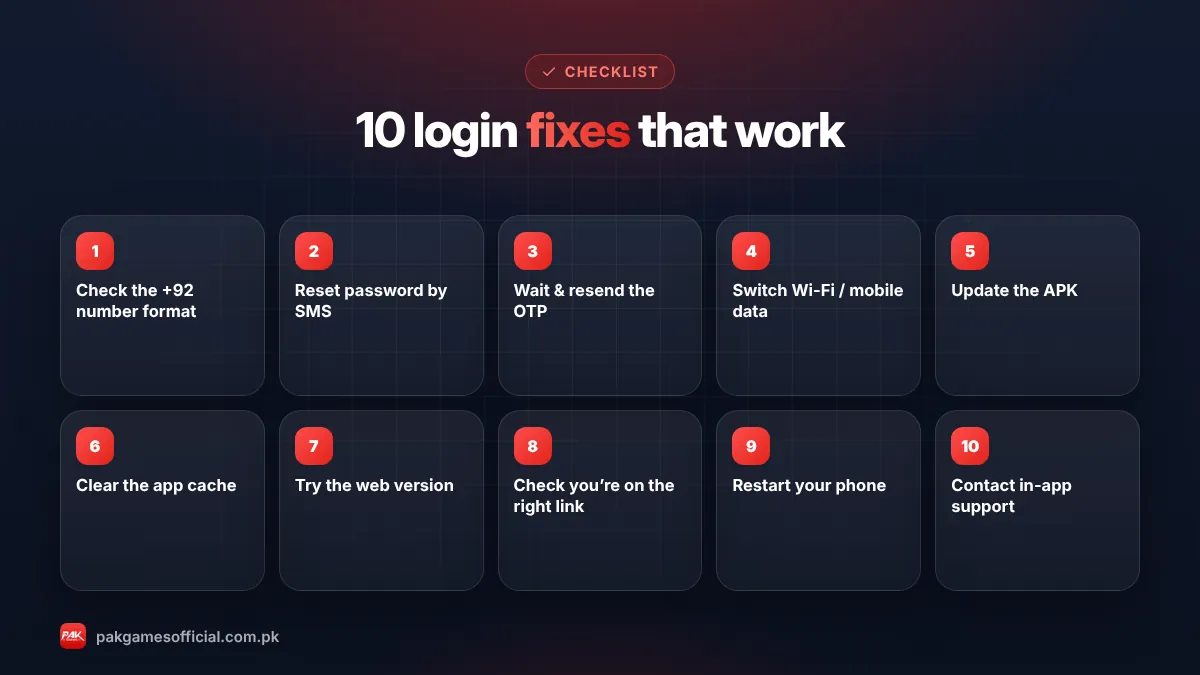
Work through these steps from top to bottom. Most players are back in by step 4.
- Check the number format Pak Game accounts are tied to a Pakistani mobile number. The +92 country code is usually already selected, so type the rest of your number without the leading zero (for example 3001234567, not 03001234567). An extra zero makes the system look for an account that does not exist.
- Re-type the password carefully Passwords are case-sensitive and usually mix upper case, lower case and a digit. Turn off Caps Lock, check your keyboard language, and tap the eye icon to see what you typed. Autofill often saves an old password, so type it manually once.
- Reset the password by SMS Tap Forgot password, enter your registered number, and request the verification code. If the SMS does not arrive within two minutes, check that your SIM has signal, that the number is the one you registered with, and that promotional SMS are not blocked. Wait before requesting again; repeated requests can trigger a short cooldown.
- Switch your network Move from Wi-Fi to mobile data or the other way round. Turn airplane mode on for ten seconds and off again. Slow 3G or crowded public Wi-Fi often causes "network error" during login.
- Turn off VPN and data savers VPN apps, ad blockers and "data saver" modes can interrupt the secure connection. Disable them, then try again. If your browser has a custom DNS set, reset it to automatic.
- Make sure you are on the right site or app Copy sites look almost identical, but an account created on the real platform does not exist on a fake one. Use only the link on our Pak Game official link page and check the padlock and spelling in the address bar.
- Clear the app cache On Android go to Settings → Apps → Pak Games → Storage → Clear cache. Do not tap "Clear data" yet unless you remember your password, because it signs you out. In a browser, clear cookies for the site or open it in a private tab.
- Update or reinstall the APK Old versions sometimes stop connecting after a server update. Download the latest file from our Pak Game download page and follow the update guide. Your balance is stored on your account, not on the phone, so reinstalling does not delete it.
- Free up storage and restart Keep at least 500 MB free and restart the phone. Low storage and long uptime cause crashes on budget Android phones, especially on Android 8 and older.
- Contact in-app support If you see "account frozen", "restricted" or nothing above works, open Customer Service from the login screen or the browser version and explain the problem with screenshots. Our customer service guide lists the safe channels.
Ready to start?
Create your Pak Game account in about 2 minutes
Android APK or mobile browser · JazzCash & EasyPaisa · 18+ only
875532042042 What if the OTP never arrives?
If the verification code never arrives, the problem is usually the SIM, the network or an SMS filter, not your account. Try these checks in order:
- Confirm the number on screen matches the SIM in your phone. Dual-SIM phones often receive SMS on the second slot.
- Open your SMS app’s spam or "unknown senders" folder.
- Send a normal SMS to a friend to make sure your balance or package allows incoming messages.
- Wait five minutes before requesting a new code; too many requests can be blocked temporarily.
- Try again outside peak evening hours, when SMS gateways are busiest.
Warning: Nobody from support needs your OTP. If someone on WhatsApp or Facebook asks you to "share the code to fix your login", it is a scam to take over your account. We never ask for your password or OTP either.
What if you lost access to your registered number?
If the SIM you registered with is lost or blocked, get a duplicate SIM on the same number from your mobile operator’s franchise first; that is the fastest way to receive the reset SMS again. If that is not possible, contact in-app support with your user ID (shown in your profile), the registered number and, if you have them, recent deposit transaction IDs. These details help prove the account is yours. Expect this to take longer than a normal password reset.
Why is my Pak Game account frozen?
An account is usually frozen as a security step, not as a punishment. Common triggers include many wrong password attempts, logins from several devices in a short time, multiple accounts on the same device or wallet, or a payment that was flagged for review. Do not create a new account to get around it; that can link both accounts and make the problem worse. Contact support, answer their questions honestly, and keep proof of your deposits ready.
How to avoid login problems in future
A few habits prevent most future issues:
- Save your password in a trusted password manager instead of a screenshot in your gallery.
- Bookmark the official site or keep the APK icon on your home screen so you never search for the link again.
- Update the app when a new version is announced in the official channel.
- Keep the SIM you registered with active, because password resets depend on it.
- Log out on shared phones and never let anyone else "manage" your account.
In short: fix the number format, reset the password by SMS, switch networks, use only the official link, and update the APK. If your account is frozen, talk to in-app support instead of opening a new account.
Roman Urdu mein samjhein
Agar Pak Game login nahi ho raha to pehle number bina zero ke likhein (+92 ke baad 3xxxxxxxxx). Password bhool gaye hain to "Forgot password" se SMS code mangwa kar naya password banayein. Network badal kar dekhein, VPN band karein aur sirf official link istemal karein. Phir bhi masla ho to app ke andar Customer Service se rabta karein. Apna OTP ya password kisi ko na batayein.
Gaming with real money should stay fun. If you notice you are logging in to chase losses, take a break and read our responsible gaming page.
Frequently asked questions
Why does Pak Game say my account does not exist?
Usually the number was typed with an extra zero after +92, or you are on a copy site where your account was never created. Type the number as 3xxxxxxxxx and use the link on our official link page.
How do I reset my Pak Game login password?
Tap Forgot password on the login screen, enter your registered +92 number, type the SMS verification code you receive and set a new password with upper case, lower case and a number. Then log in with the new password.
Will reinstalling the app delete my balance?
No. Your balance, bets and history are stored on your account on the server, not on the phone. Reinstalling the latest APK only replaces the app files, so you will see the same balance after logging in again.
Why is the Pak Game app stuck on loading?
Endless loading is mostly caused by a weak network, a VPN or an old app version. Switch between Wi-Fi and mobile data, disable VPN or data saver, clear the cache and update to the latest APK from our download page.
Can I log in to Pak Game on two phones?
You can usually log in on another device with the same number and password, but frequent switching between many devices can trigger a security check. Log out of devices you no longer use and avoid sharing your account.
Is it safe to give my OTP to a support agent?
No. A genuine support agent does not need your OTP or password. Anyone asking for them on WhatsApp, Telegram or Facebook is trying to steal your account. Use only the in-app Customer Service option.
What should I do if my account is frozen?
Contact in-app support with your user ID, registered number and deposit transaction IDs. Do not open a second account, because multiple accounts on one device or wallet can make the restriction permanent.
How long does an OTP take to arrive?
Normally under a minute, but it can take a few minutes during peak hours. Wait at least five minutes before requesting another code, check the spam folder and confirm the SIM in your phone matches the registered number.