Quick answer
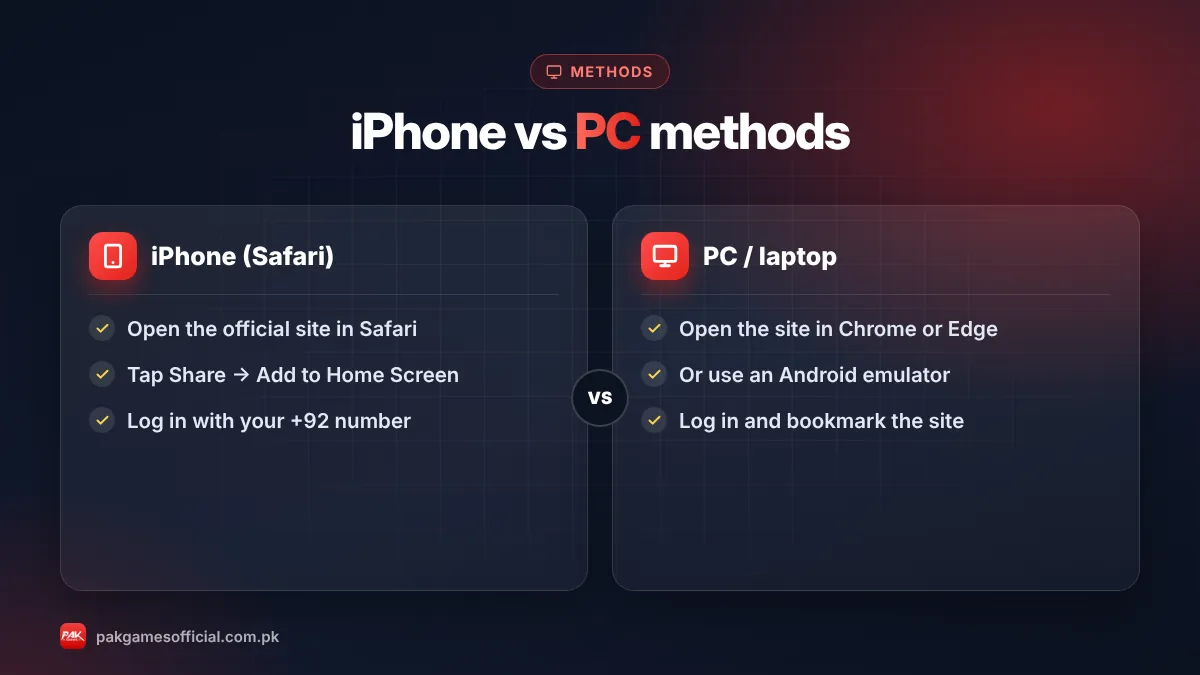
Pak Game has no App Store or Windows app. On iPhone or iPad, open the official site in Safari, log in, and use Share → Add to Home Screen. On PC or laptop, open the official site in Chrome or Edge, or run the Android APK inside a trusted emulator such as BlueStacks.

Key facts at a glance
- iPhone / iPad app
- Not available on the App Store
- iPhone method
- Safari or Chrome + Add to Home Screen
- PC method 1
- Official website in Chrome or Edge
- PC method 2
- Android APK in an emulator
- Account
- Same +92 number and password everywhere
- Cost
- Free – no paid iOS version exists
On this page (7 sections)
Searching for a Pak Game iPhone app or a PC version? You won’t find one in the Apple App Store or the Microsoft Store. The Pak Games app is built for Android and distributed as an APK. The good news is that you can still use the same account on an iPhone, iPad, Windows PC or laptop — you just do it a little differently. This guide explains the browser method, the emulator method, and how to stay safe on each device.
If you are on Android, you don’t need this page. Follow our Pak Game download guide to install the APK directly.
Is there a Pak Game app for iPhone?
No. As of October 2026, there is no official Pak Games app on the Apple App Store. iPhone and iPad users play through the mobile website instead.
Apple does not allow APK files on iOS, so any website offering a “Pak Game iOS download”, an “IPA file”, or asking you to install a “configuration profile” should be treated with suspicion. These files can give a stranger control over your phone’s settings or steal your login. The safe route is the browser.
Warning: Never install a configuration profile or “enterprise certificate” just to play a game. If a site asks you to go to Settings → General → VPN & Device Management to trust a developer, close it.
How to play Pak Game on iPhone or iPad
The browser method takes about two minutes and works on any recent iPhone or iPad. Once you add the site to your home screen, it opens full-screen like a normal app.
- Open Safari Safari works best for Add to Home Screen, but Chrome on iOS also supports it on newer versions.
- Go to the official site Type the official address yourself or use a link from a trusted source. Our official link guide shows how to check the domain and padlock.
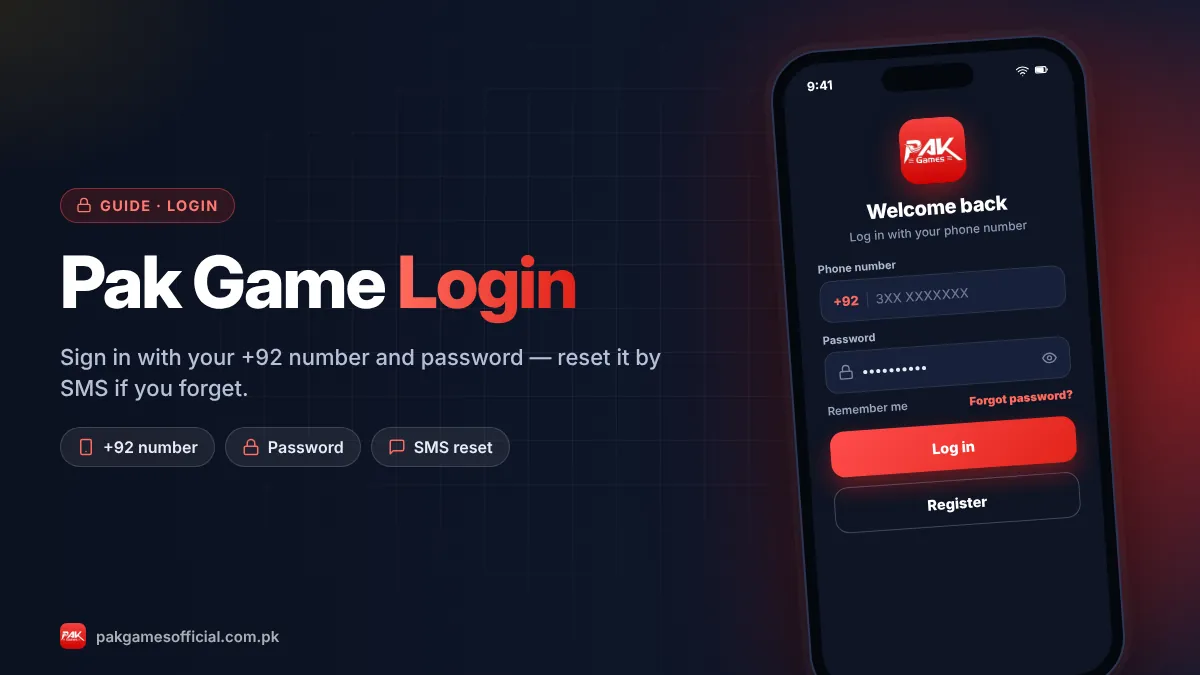
- Log in or register Sign in with your +92 mobile number and password. New players can follow our register guide first.
- Tap the Share icon It’s the square with an arrow at the bottom of Safari (top on iPad).
- Choose “Add to Home Screen” Rename it if you like, then tap Add. A Pak Games icon now appears on your home screen.
- Open from the new icon Use this icon every time. It loads the latest version automatically, so you never need to update anything.
Ready to start?
Create your Pak Game account in about 2 minutes
Android APK or mobile browser · JazzCash & EasyPaisa · 18+ only
875532042042 How to play Pak Game on PC or laptop
On Windows or macOS you have two options: the website in a browser (simplest) or the Android APK inside an emulator (closest to the phone app). Both use the same account.
Method 1: Browser (recommended)
Open Chrome, Edge or Firefox, go to the official Pak Games website, and log in. The site is designed for mobile screens, so it may look narrow on a big monitor. You can make it more comfortable by:
- Pressing Ctrl and + to zoom in.
- Opening developer tools (F12) and switching to a phone view, if you are comfortable with that.
- In Chrome, using the menu → Cast, save and share → Install page as app (or “Create shortcut”) to get a desktop icon.
Method 2: Android emulator
An emulator runs Android apps on a computer. Popular choices include BlueStacks and LDPlayer. The general process is:
- Download the emulator only from its own official website.
- Install it and complete the setup.
- Download the Pak Game APK from the official link on your PC.
- Drag the APK file into the emulator window, or use its “Install APK” button.
- Open Pak Games inside the emulator and log in.
Emulators need a reasonably modern computer (at least 4 GB RAM, ideally 8 GB) and virtualization enabled in the BIOS for smooth performance.
Which method should you choose?
For most people the browser is the best choice on every non-Android device. Use an emulator only if you specifically want the Android app experience on a computer.
| Device | Best method | Updates | Difficulty |
|---|---|---|---|
| iPhone / iPad | Safari + Add to Home Screen | Automatic (website) | Easy |
| Windows PC / laptop | Chrome or Edge browser | Automatic (website) | Easy |
| Windows PC (app feel) | Emulator + APK | Manual APK update | Medium |
| Mac | Safari or Chrome browser | Automatic (website) | Easy |
| Android phone | Official APK | Manual APK update | Easy |
If you choose the emulator, remember that the APK inside it needs manual updates just like on a phone. Our guide to updating Pak Game to the latest version covers that.
Common iPhone and PC problems (and fixes)
Most issues on iPhone and PC are caused by browser settings, not your account. Try these fixes before contacting support.
- Page keeps logging you out: Safari may be blocking cookies. Go to Settings → Safari and make sure “Block All Cookies” is off. Avoid Private Browsing for daily play.
- Games won’t load or freeze: Clear the browser cache, close other tabs, and check your internet speed. Aviator and Win Go need a stable connection.
- Payment page doesn’t open: Allow pop-ups for the official site, because some deposit pages open in a new window. See our deposit guide for the full process.
- Emulator shows “App not installed”: Re-download the APK from the official link and make sure the emulator runs a recent Android version.
- Forgot password: Use “Forgot password” on the login screen. Our login problem fixes cover OTP and lockout issues.
Safety tips for iPhone and PC users
Using a computer or shared device adds a few extra risks. A few habits keep your account safe:
- Don’t let the browser save your password on a shared or office computer.
- Always log out after playing on someone else’s device.
- Type the address yourself or use a saved bookmark — don’t click links from ads or messages.
- Never share your OTP. Real support staff never ask for it.
- Set a time and spending limit before you start. Our responsible gaming page has practical tips.
Roman Urdu mein samjhein
iPhone ke liye Pak Game ki koi App Store app nahi hai. Safari mein official website kholein, login karein, phir Share button dabayein aur “Add to Home Screen” chunein — icon app ki tarah kaam karega. PC ya laptop par Chrome mein website khol kar khel sakte hain, ya BlueStacks jaisa emulator laga kar APK install kar sakte hain. Koi “iOS file” ya profile install na karein, yeh fraud ho sakta hai.
In short: There is no Pak Game app for iPhone or PC. Use the official website in Safari (with Add to Home Screen) on iPhone, and a browser or emulator on PC. Your account works the same everywhere. For the full overview, visit our Pak Game homepage.
Frequently asked questions
Can I download Pak Game on iPhone?
Not as a normal app. There is no Pak Games app on the App Store as of October 2026. Use the official website in Safari and add it to your home screen, which gives a similar full-screen experience without any download.
Is my account the same on iPhone, PC and Android?
Yes. Your account is tied to your +92 mobile number. You can log in with the same number and password on the Android app, an iPhone browser or a PC, and see the same balance and history.
Is it safe to use BlueStacks for Pak Game?
The emulator itself is widely used, but download it only from its official website and install the Pak Game APK only from the official link. The safety risk usually comes from fake APK files, not the emulator.
Why does Pak Game look small on my laptop?
The site is designed for phone screens. Zoom in with Ctrl and +, or use an emulator if you prefer a phone-sized window. This does not affect how the games work.
Do I need to update Pak Game on iPhone?
No. The browser always loads the current website, so iPhone users get updates automatically. Only Android and emulator users need to install new APK versions manually.
Someone offered me a Pak Game iOS IPA file. Should I install it?
No. Unofficial IPA files and configuration profiles can expose your phone and account to strangers. Stick to the browser method and check the domain using our official link guide.
Can I deposit and withdraw from PC?
Yes. Deposits and withdrawals work from the website on PC just like on mobile, as long as pop-ups are allowed. Your JazzCash or EasyPaisa wallet still needs to be bound to your account first.